Platform Showcase
Deep dive into the platform's professional toolset, interface configurations, and advanced layout capabilities.
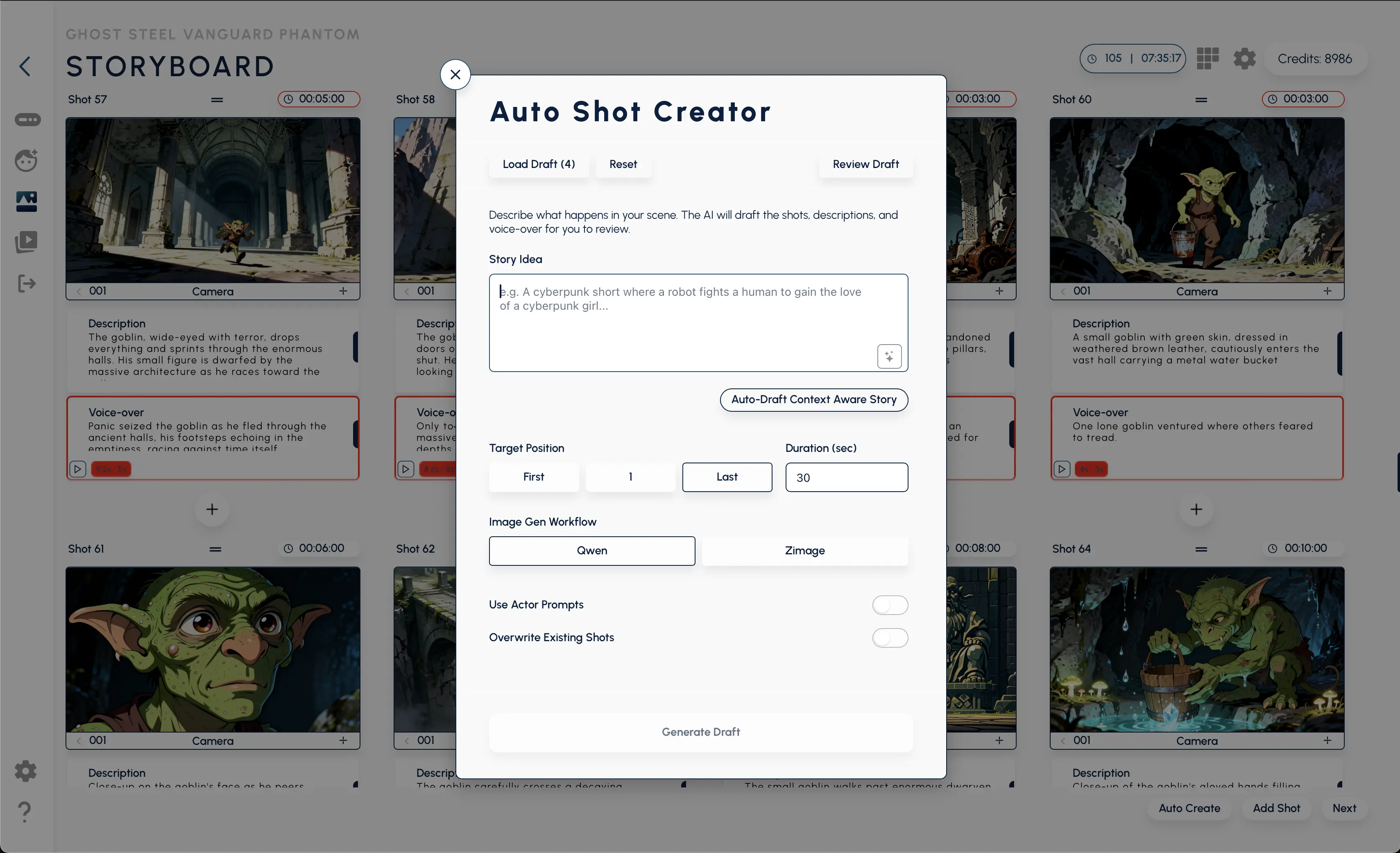
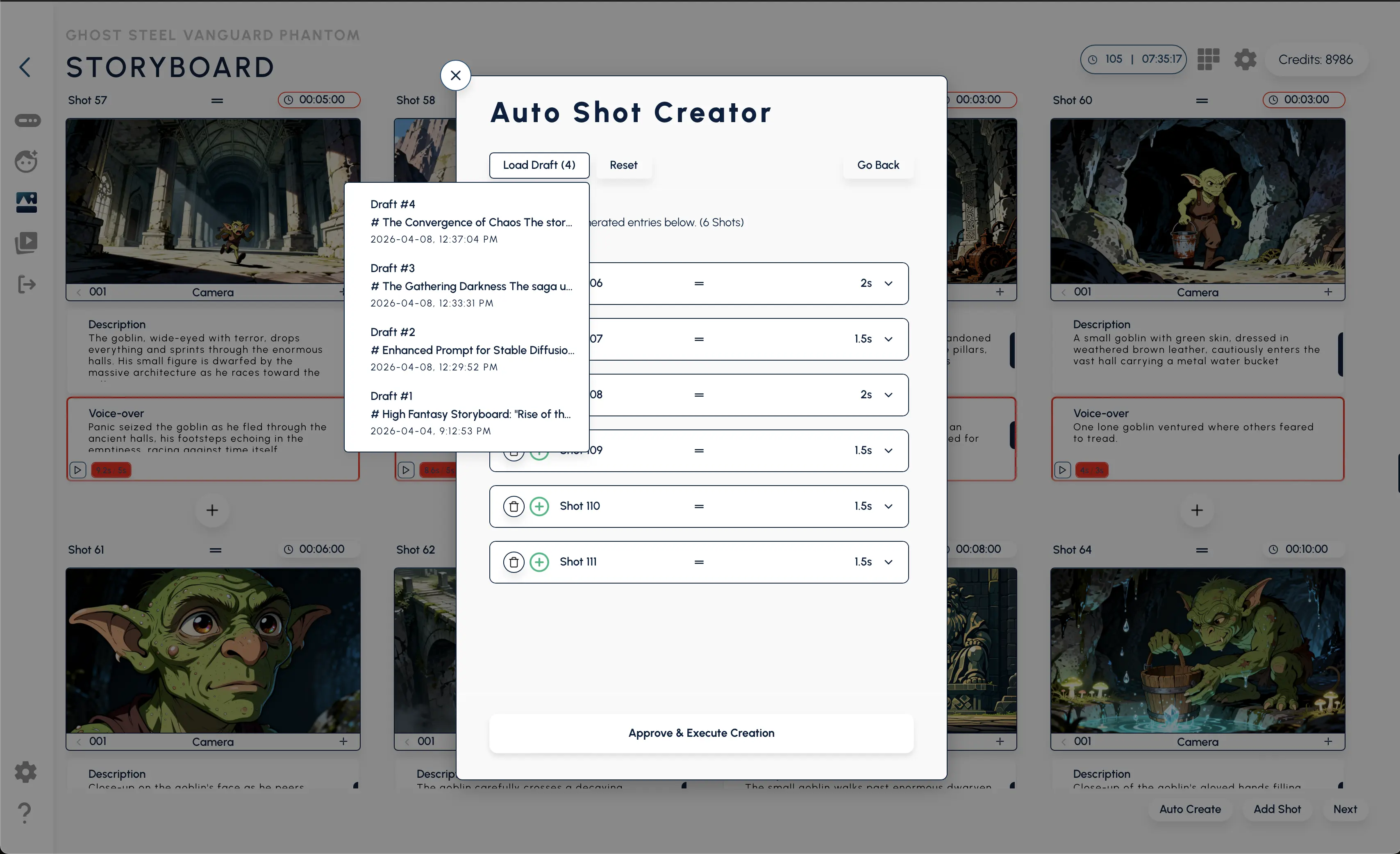
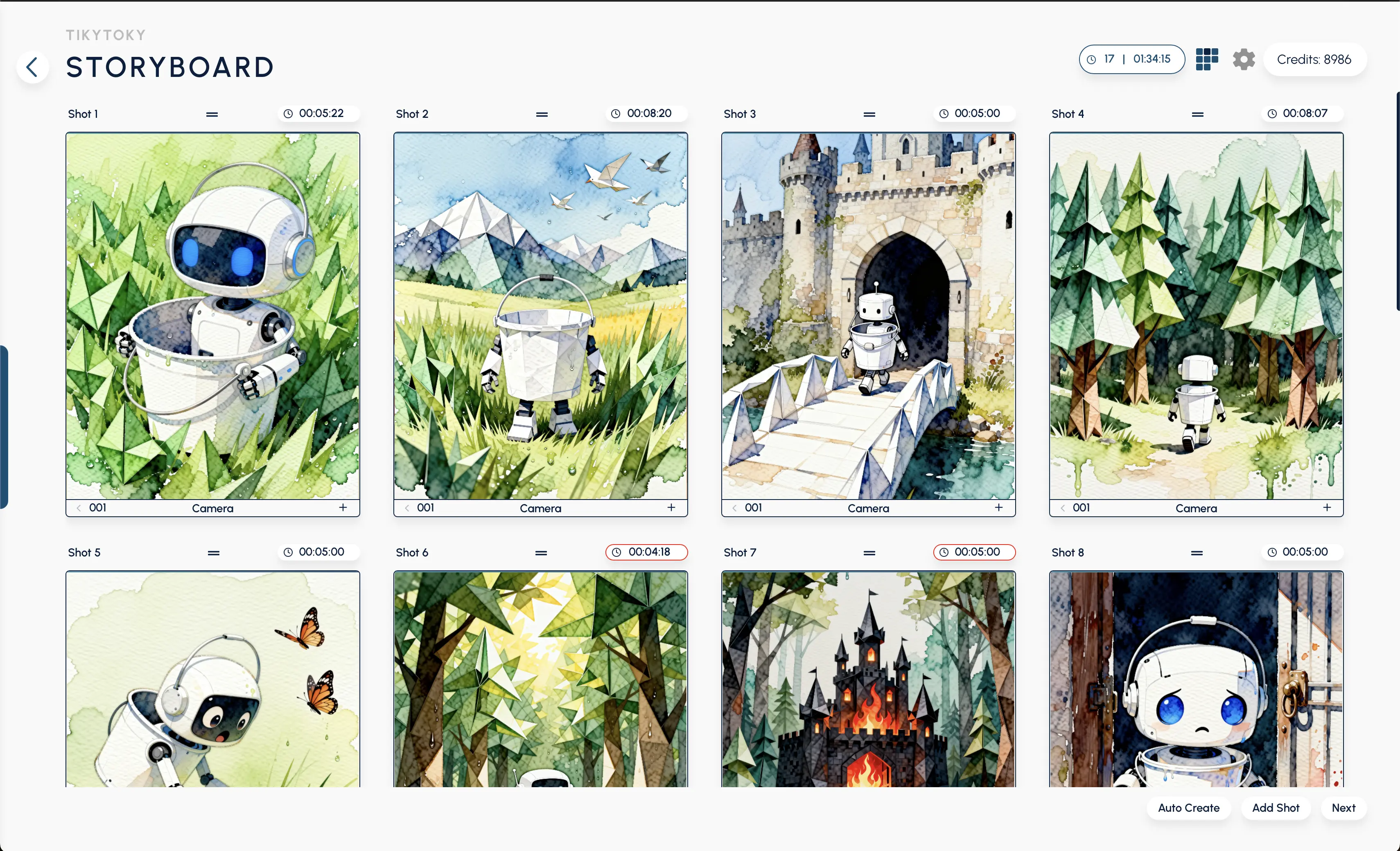
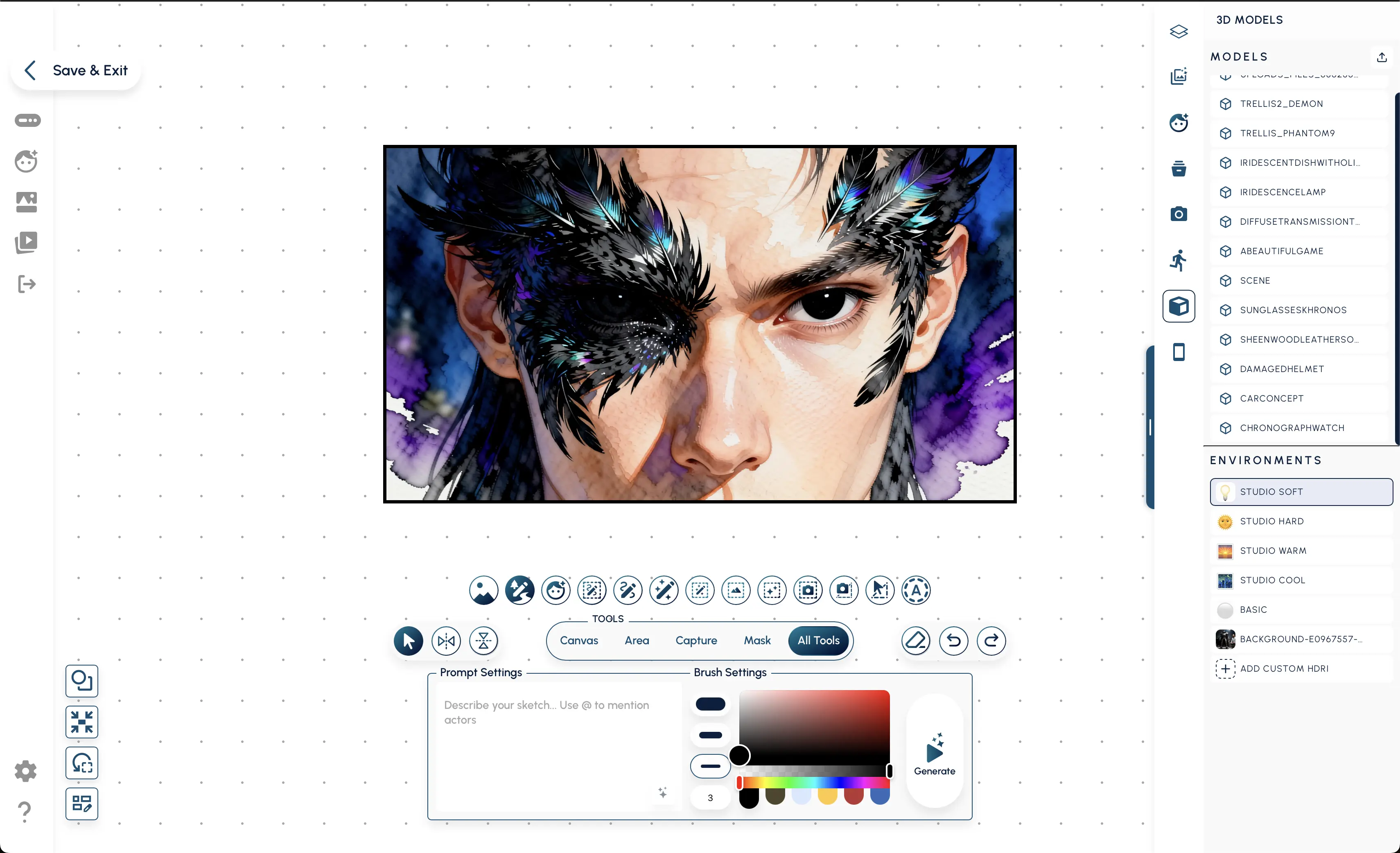
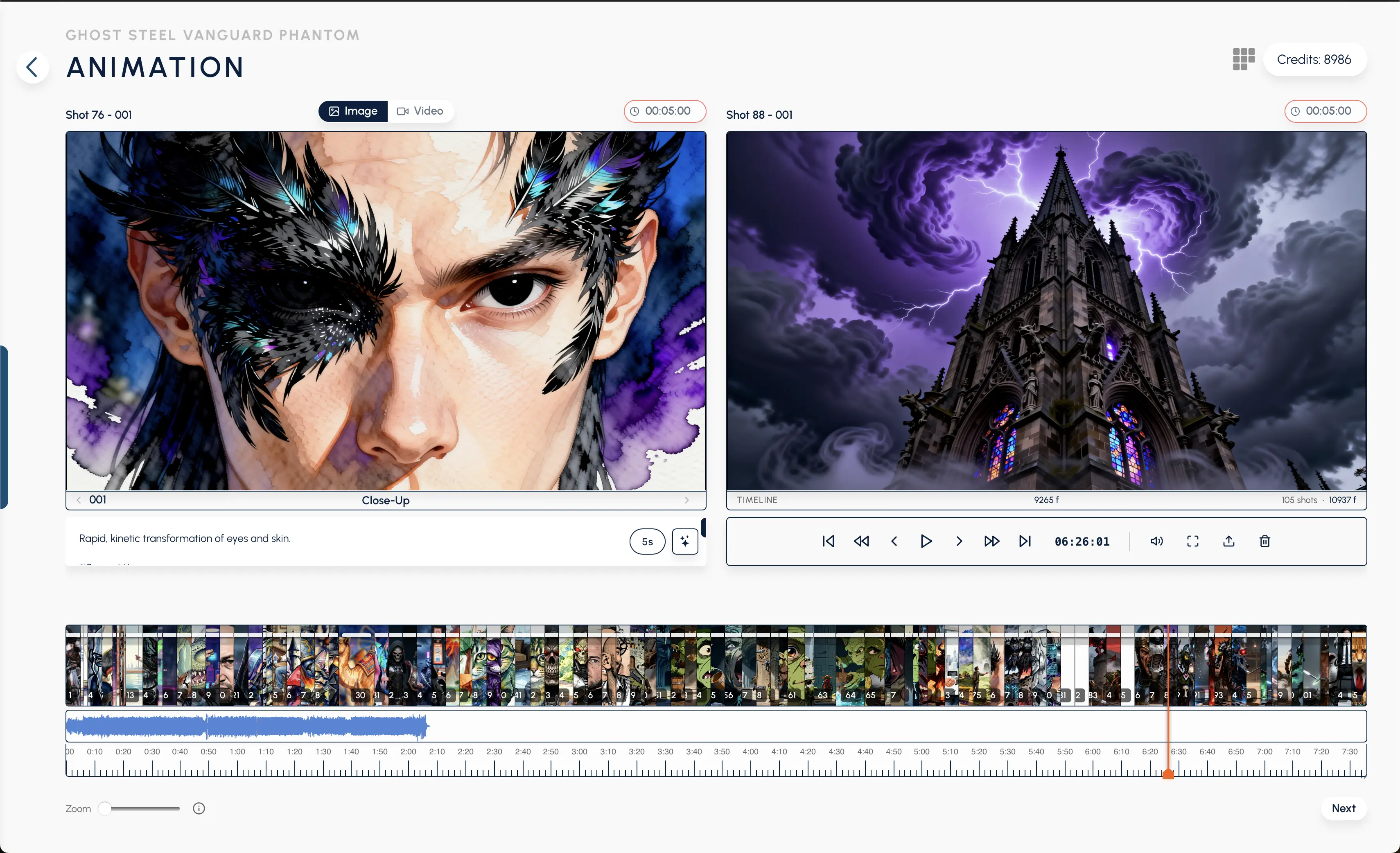
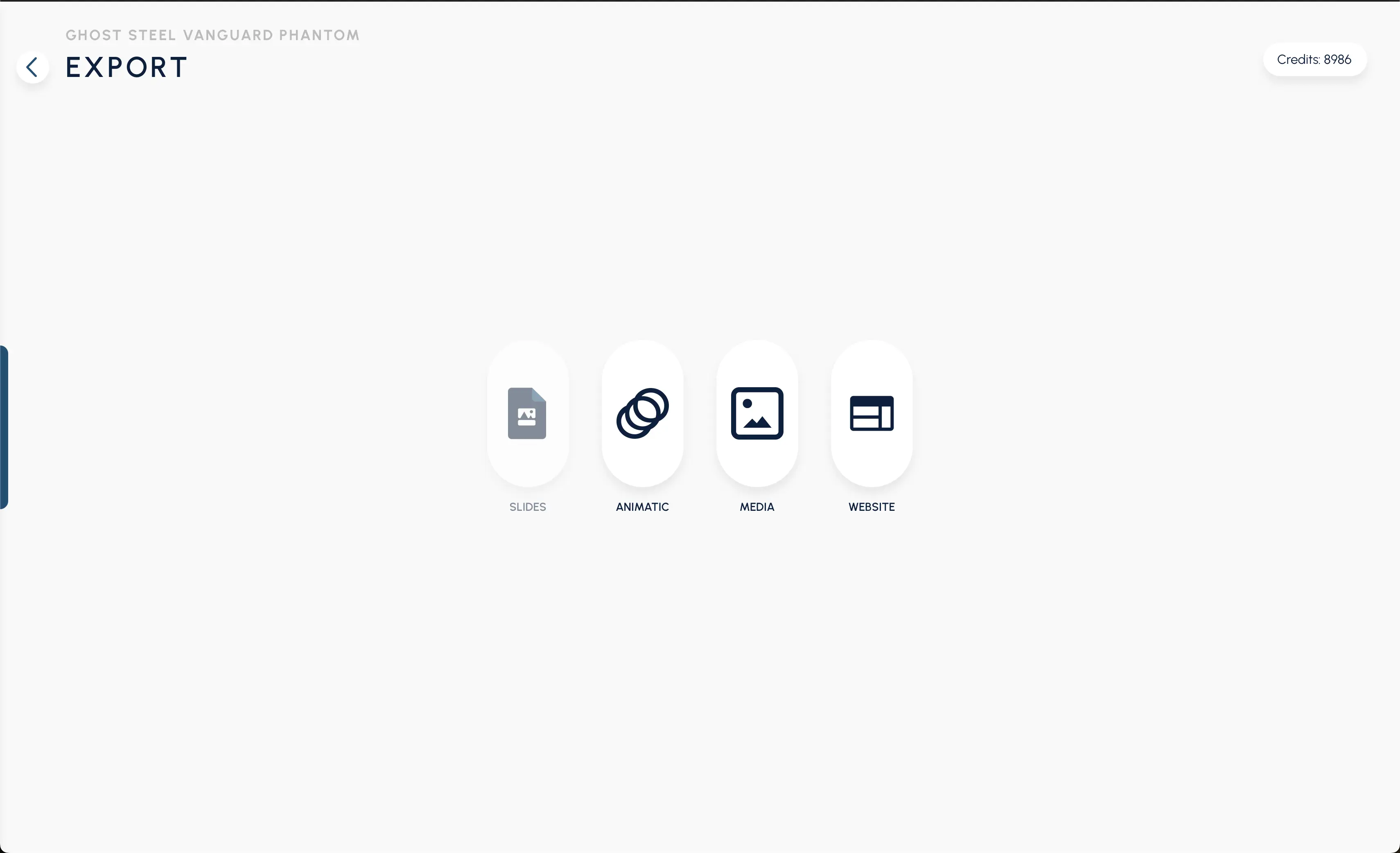
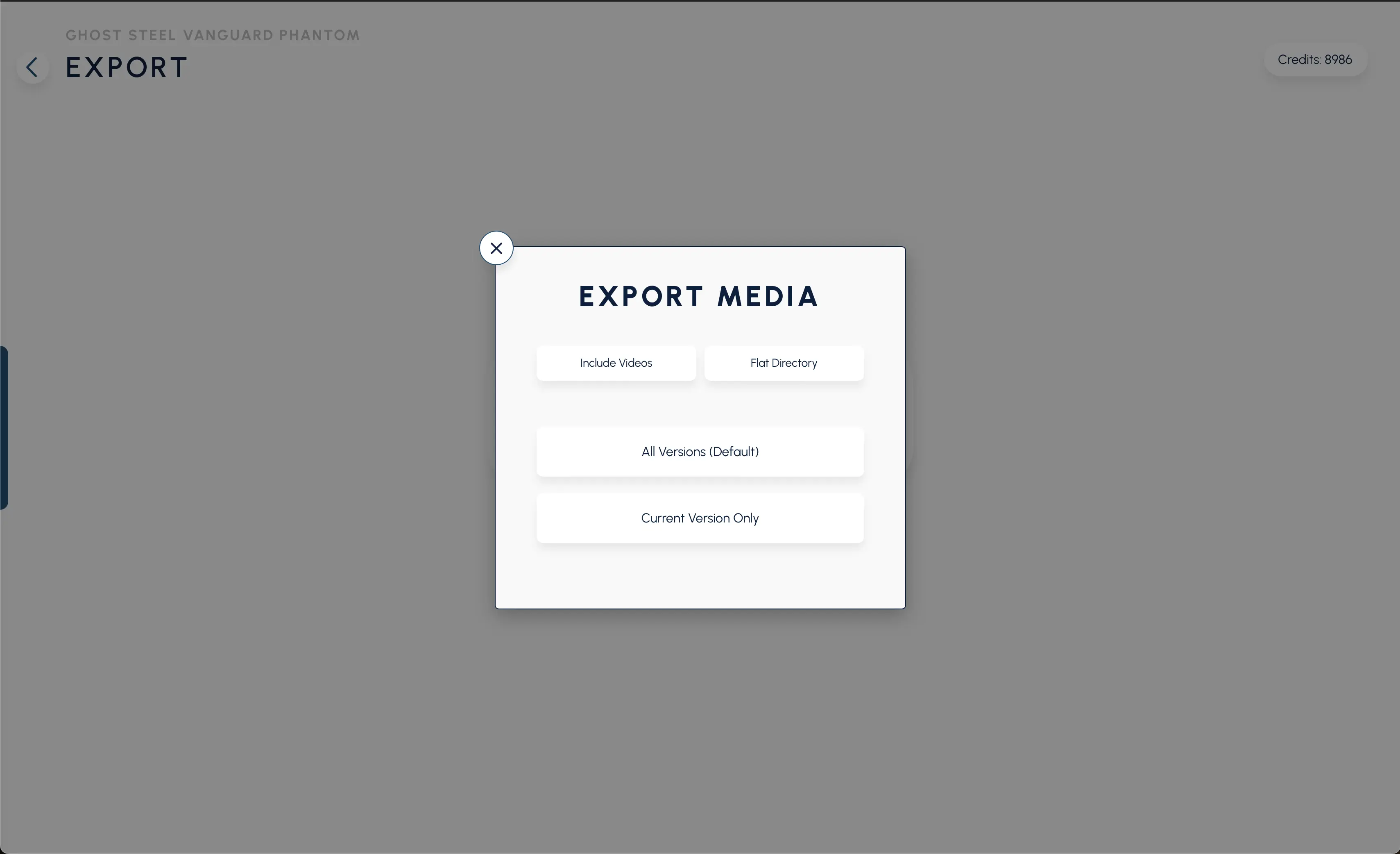
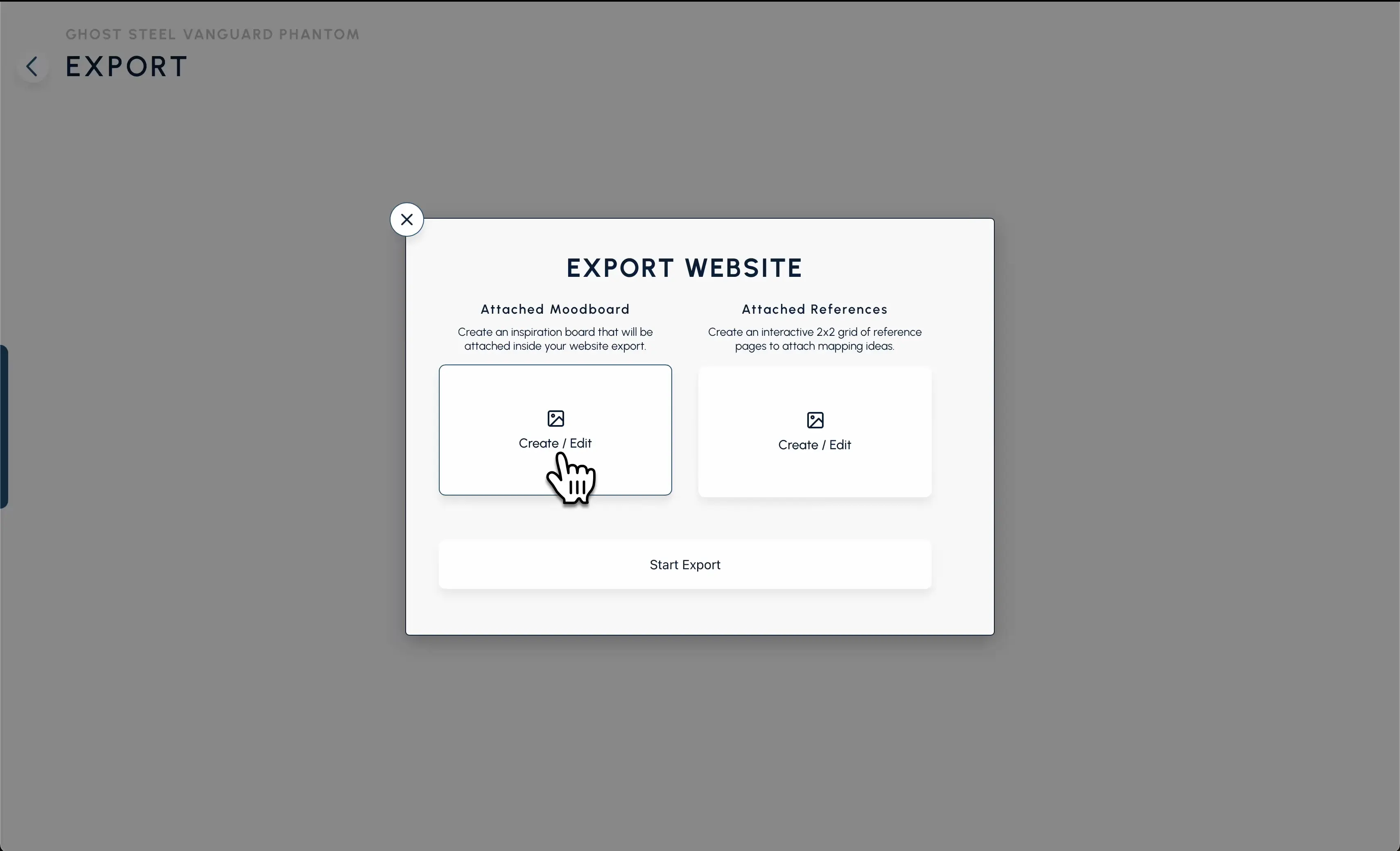
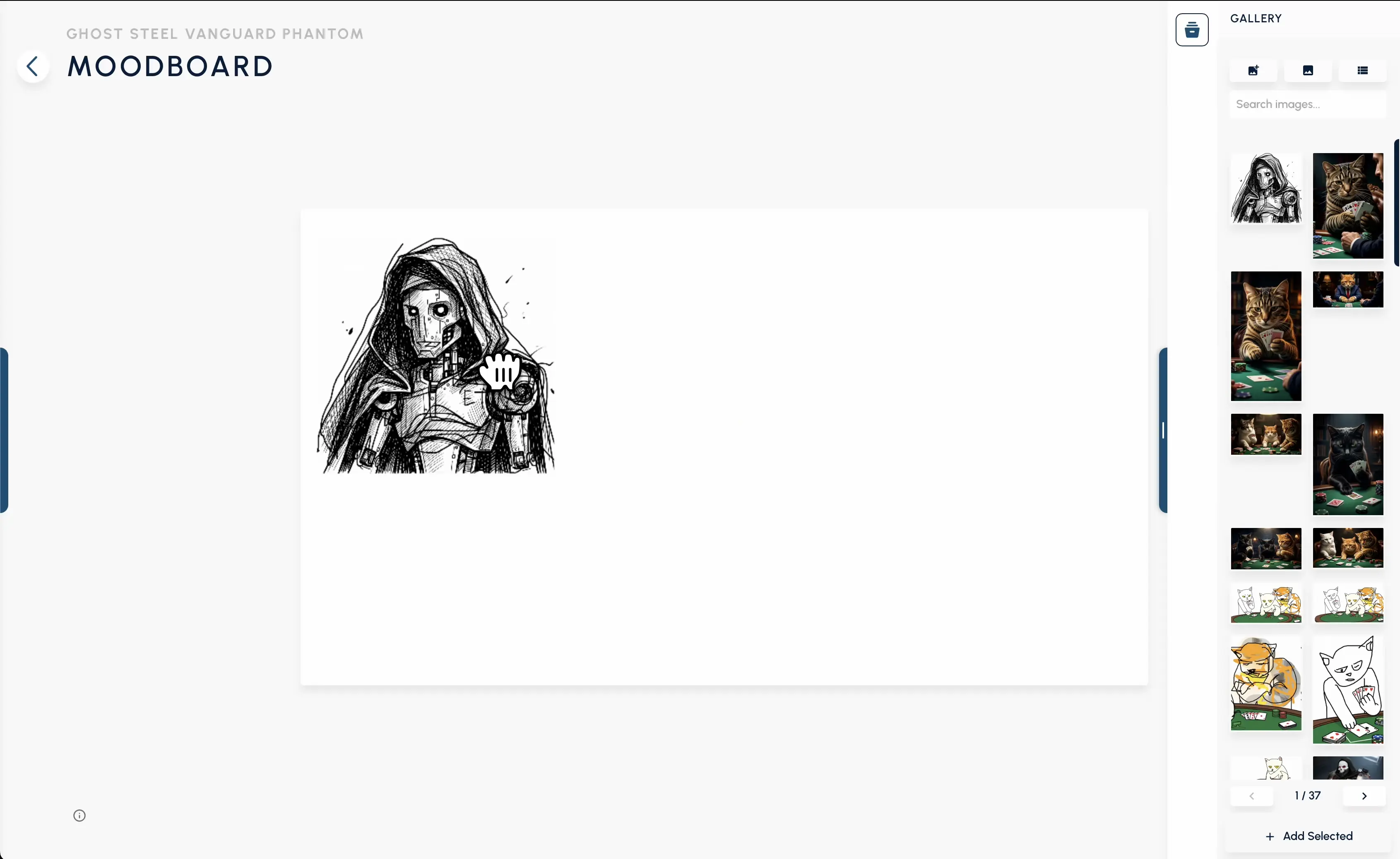
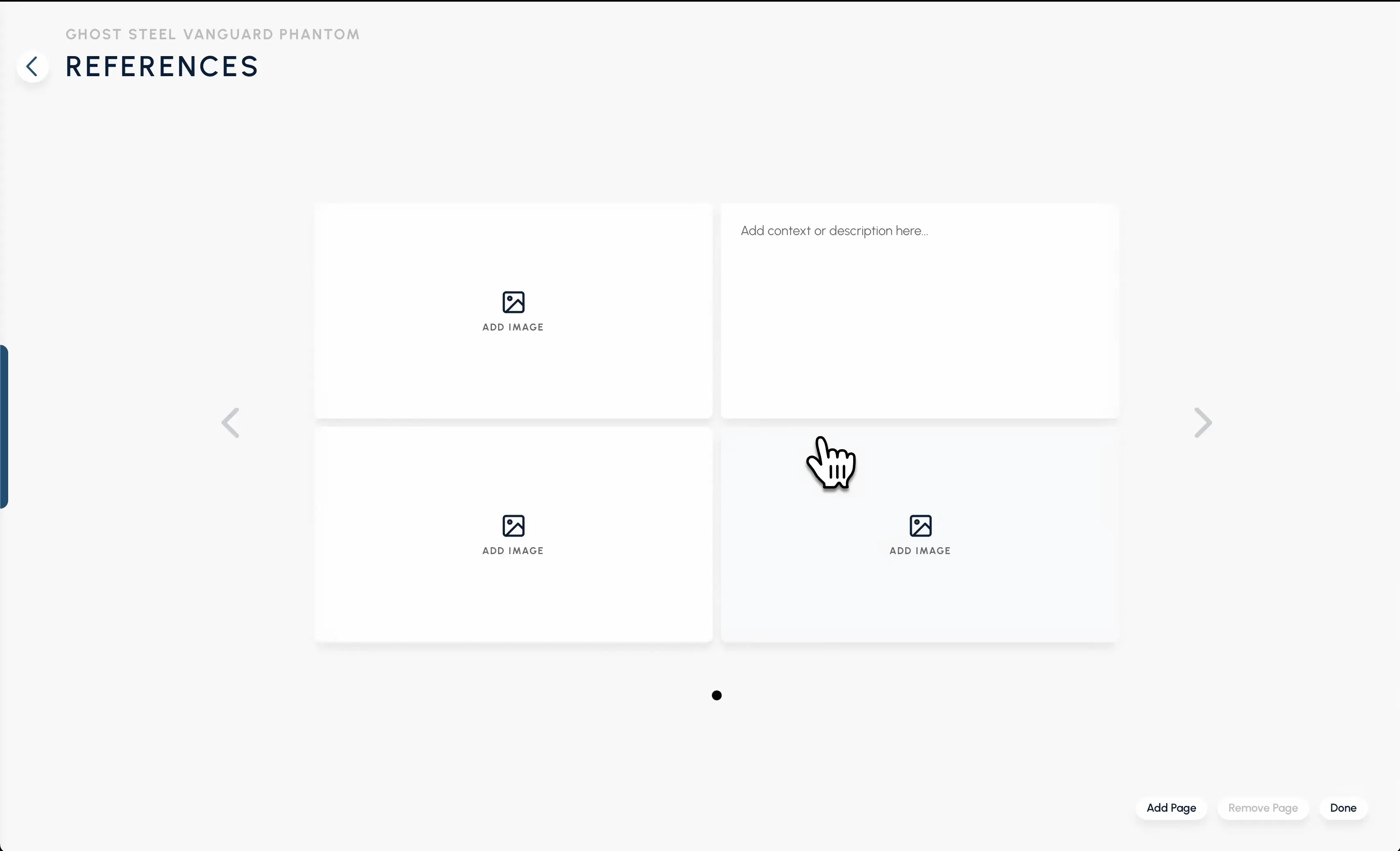
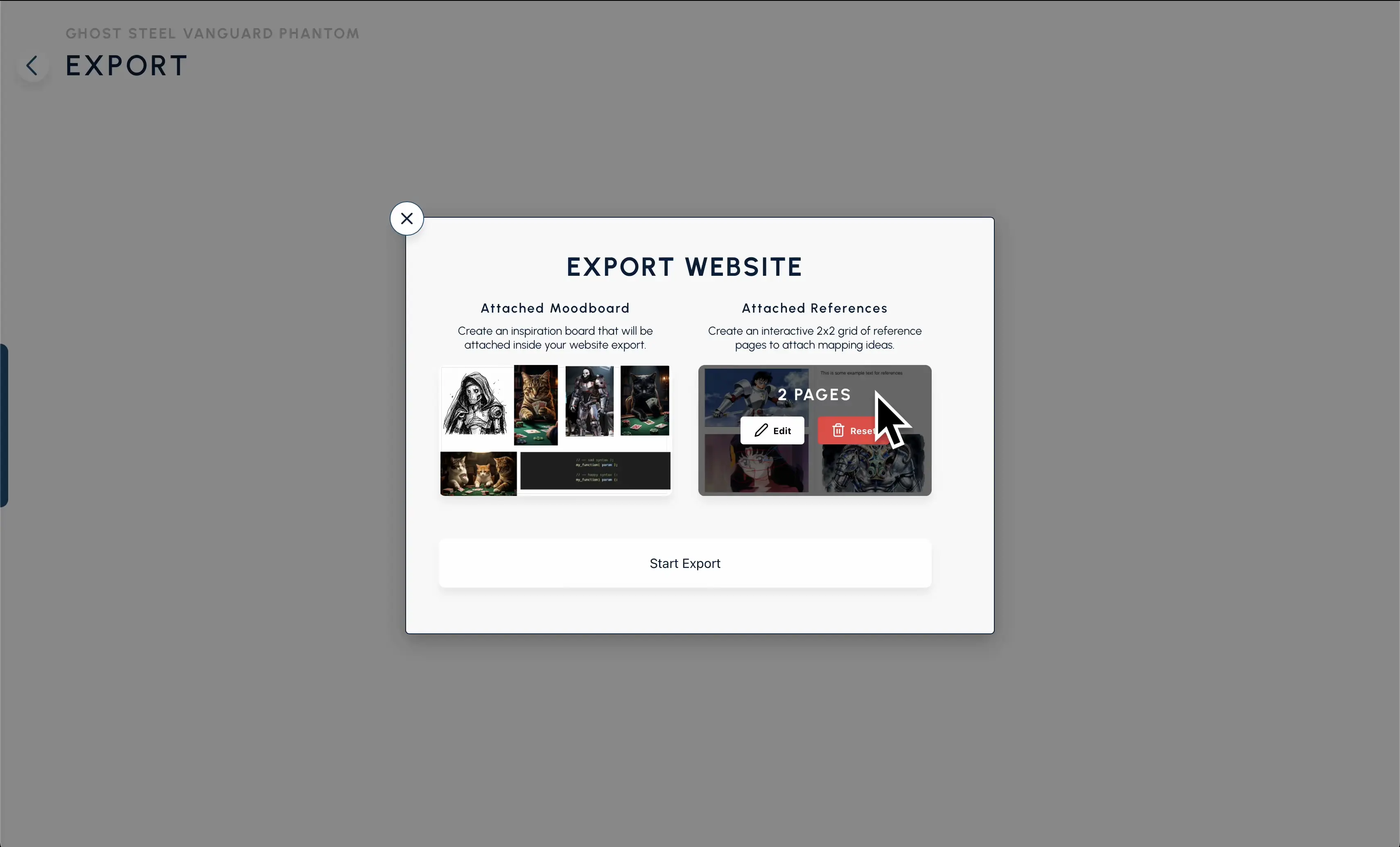
Platform Walkthrough
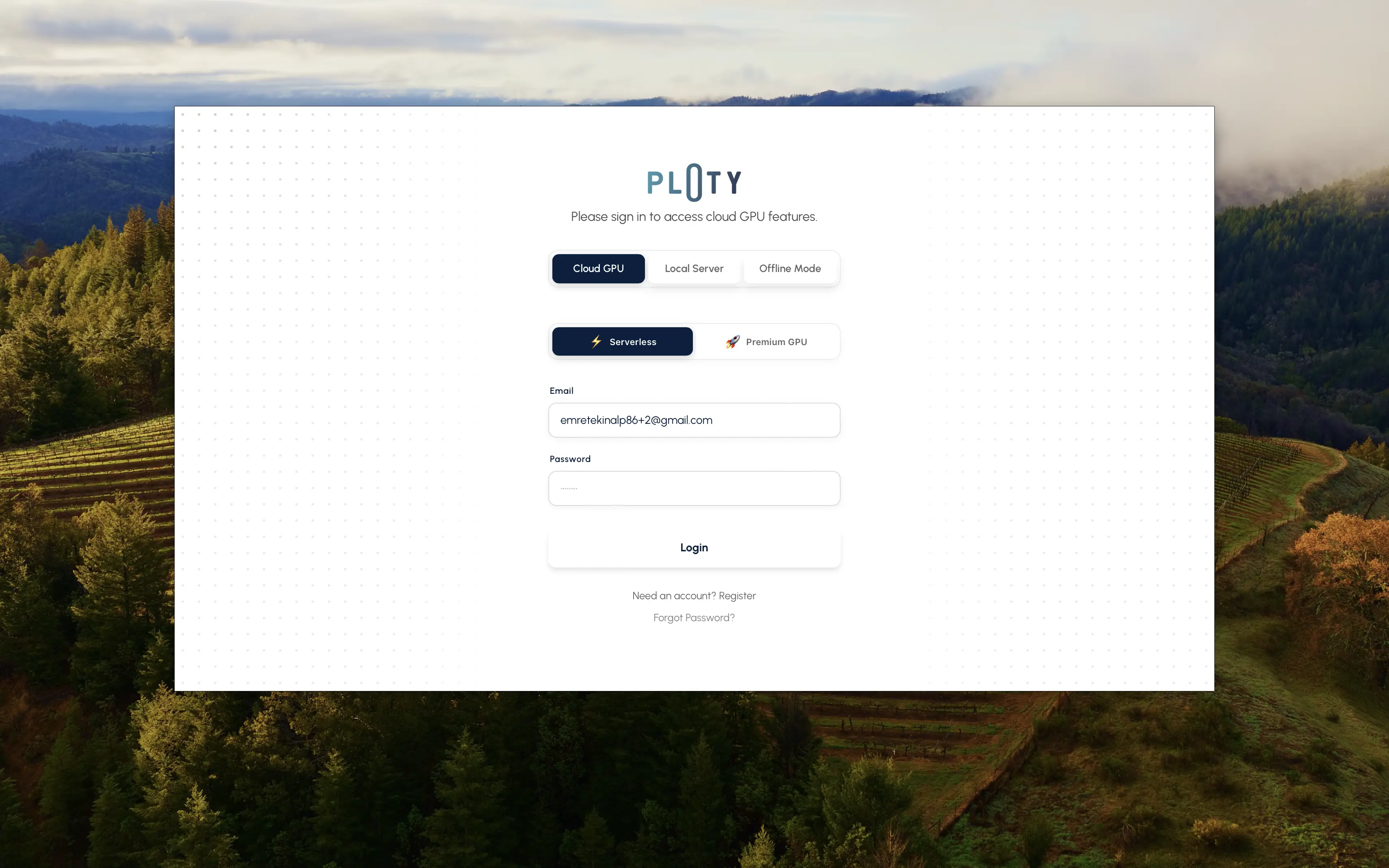
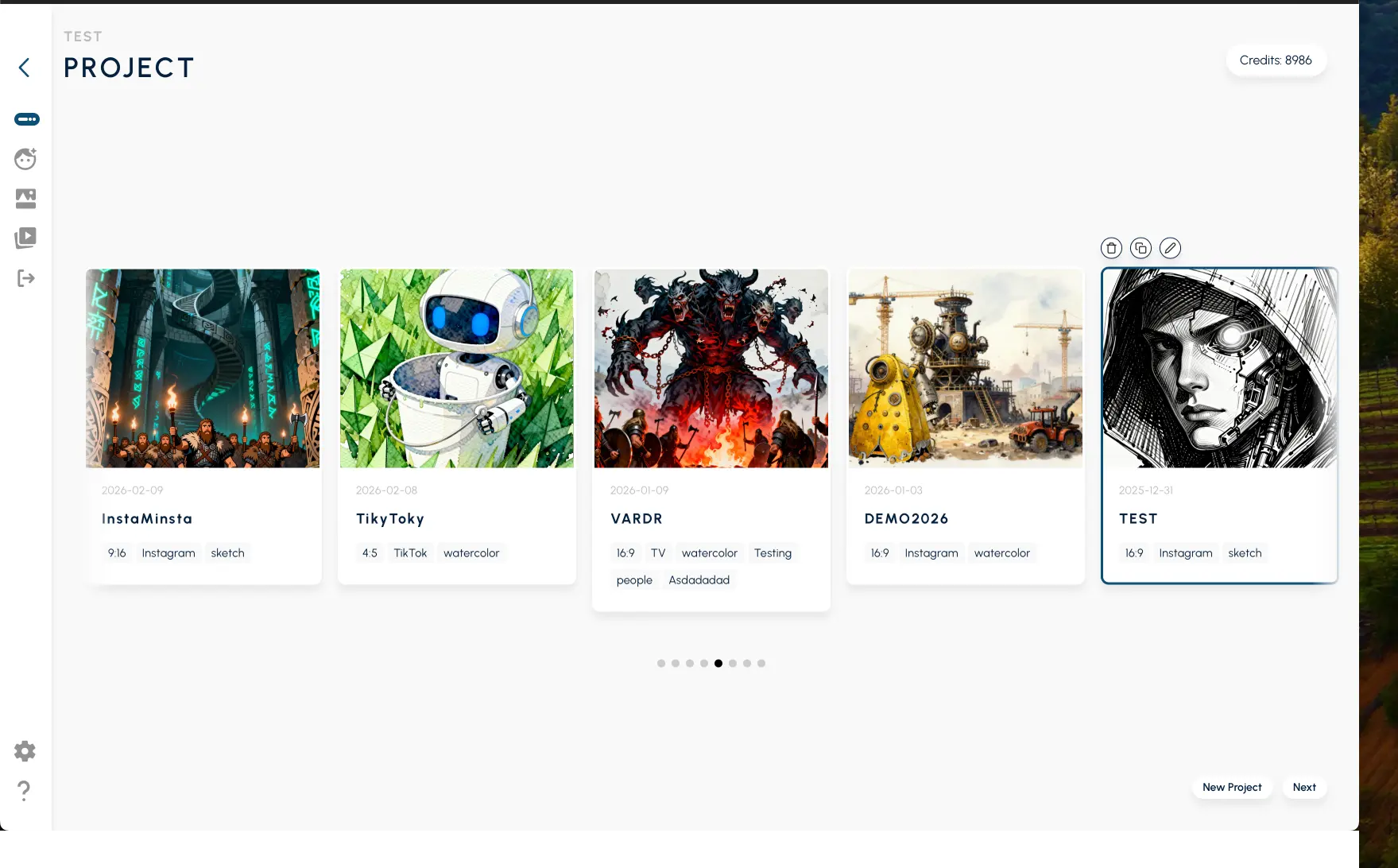
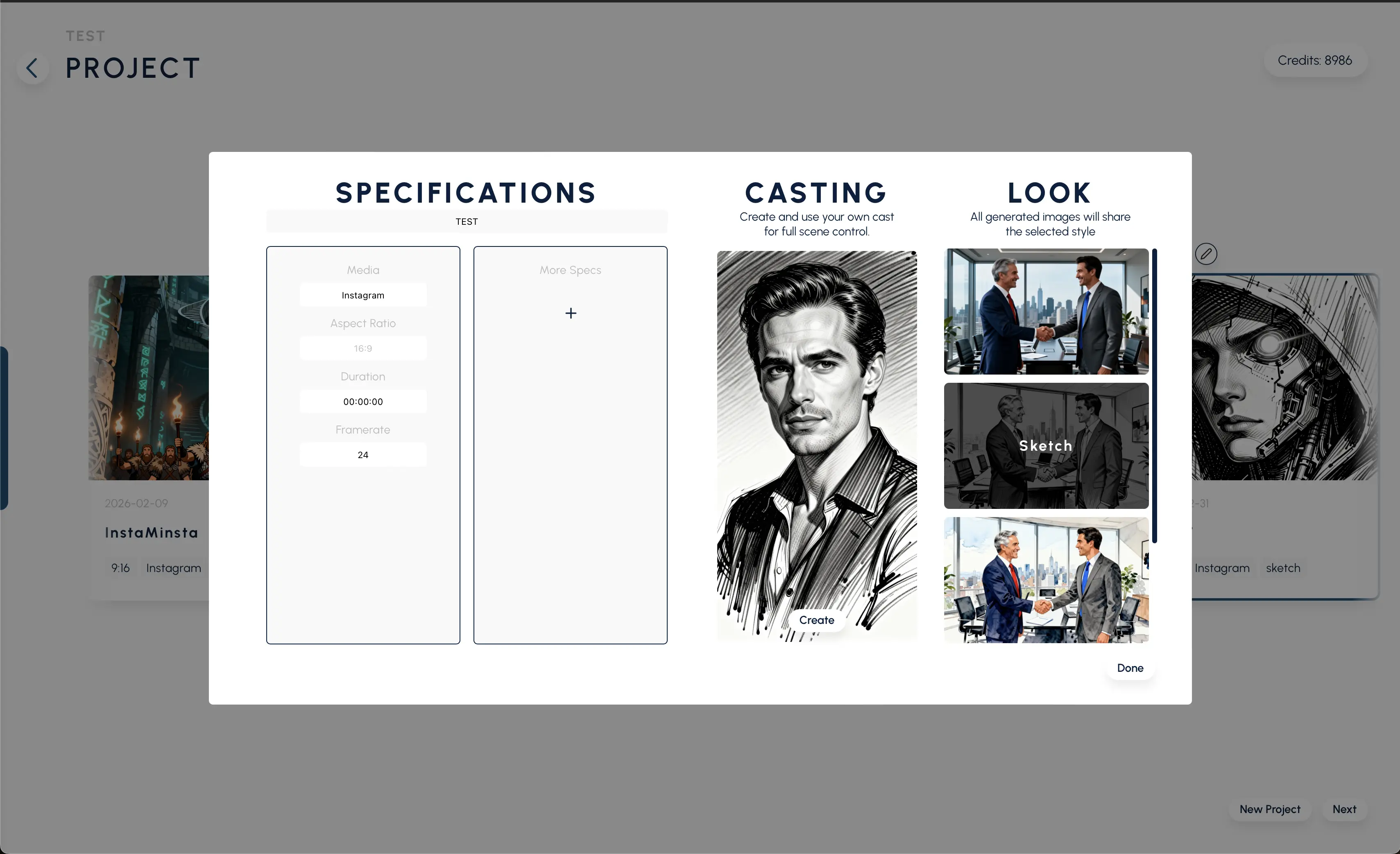
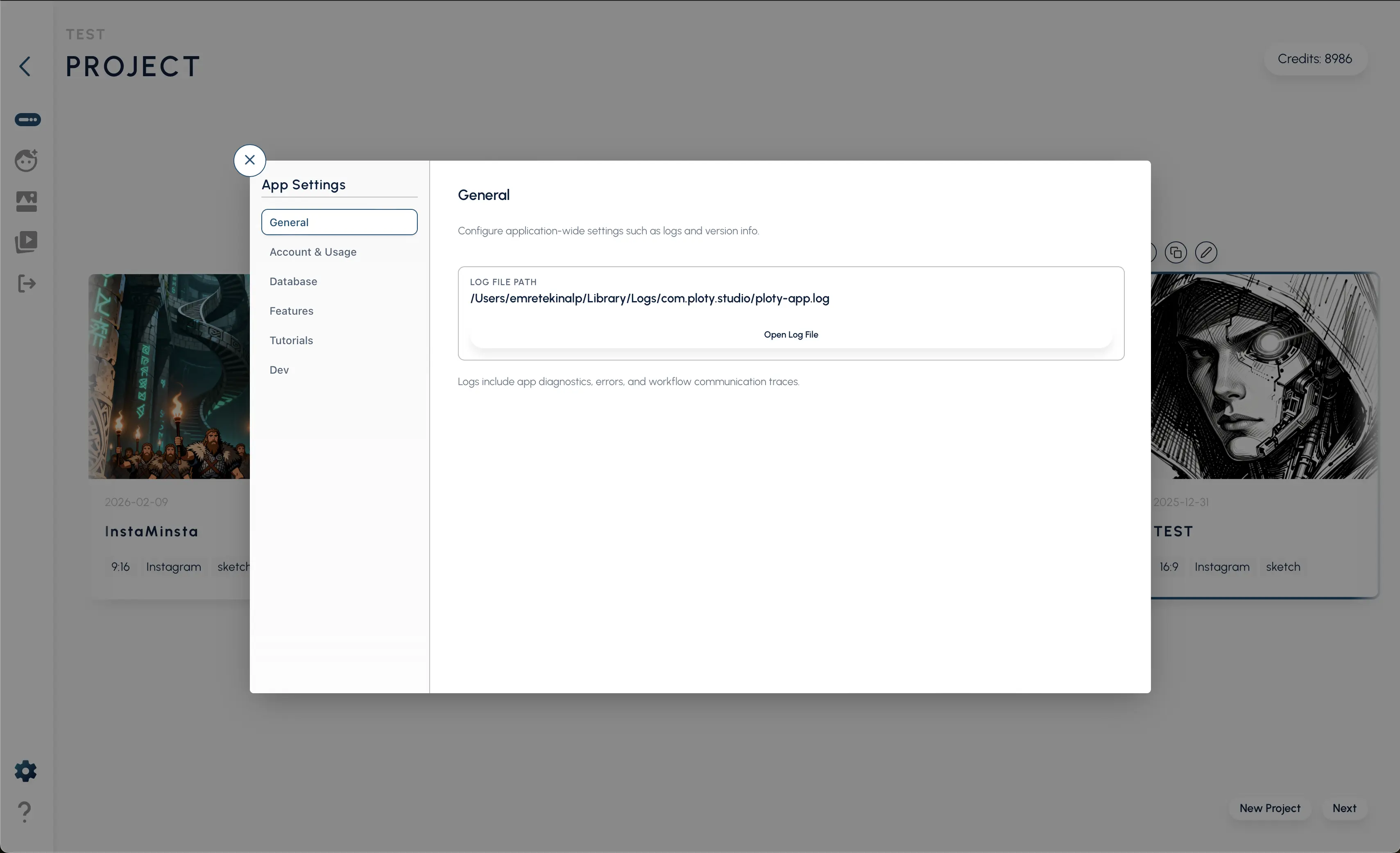
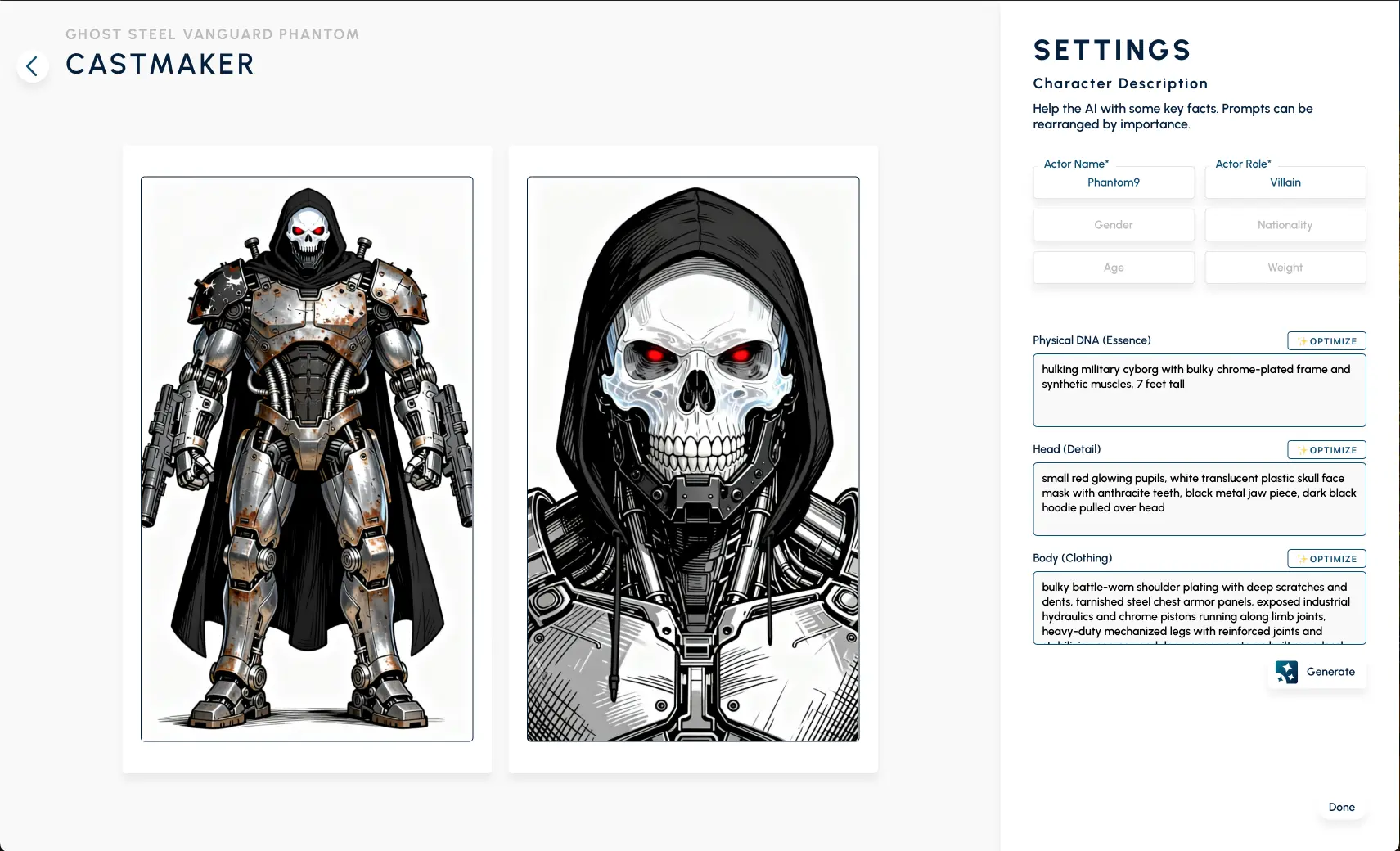
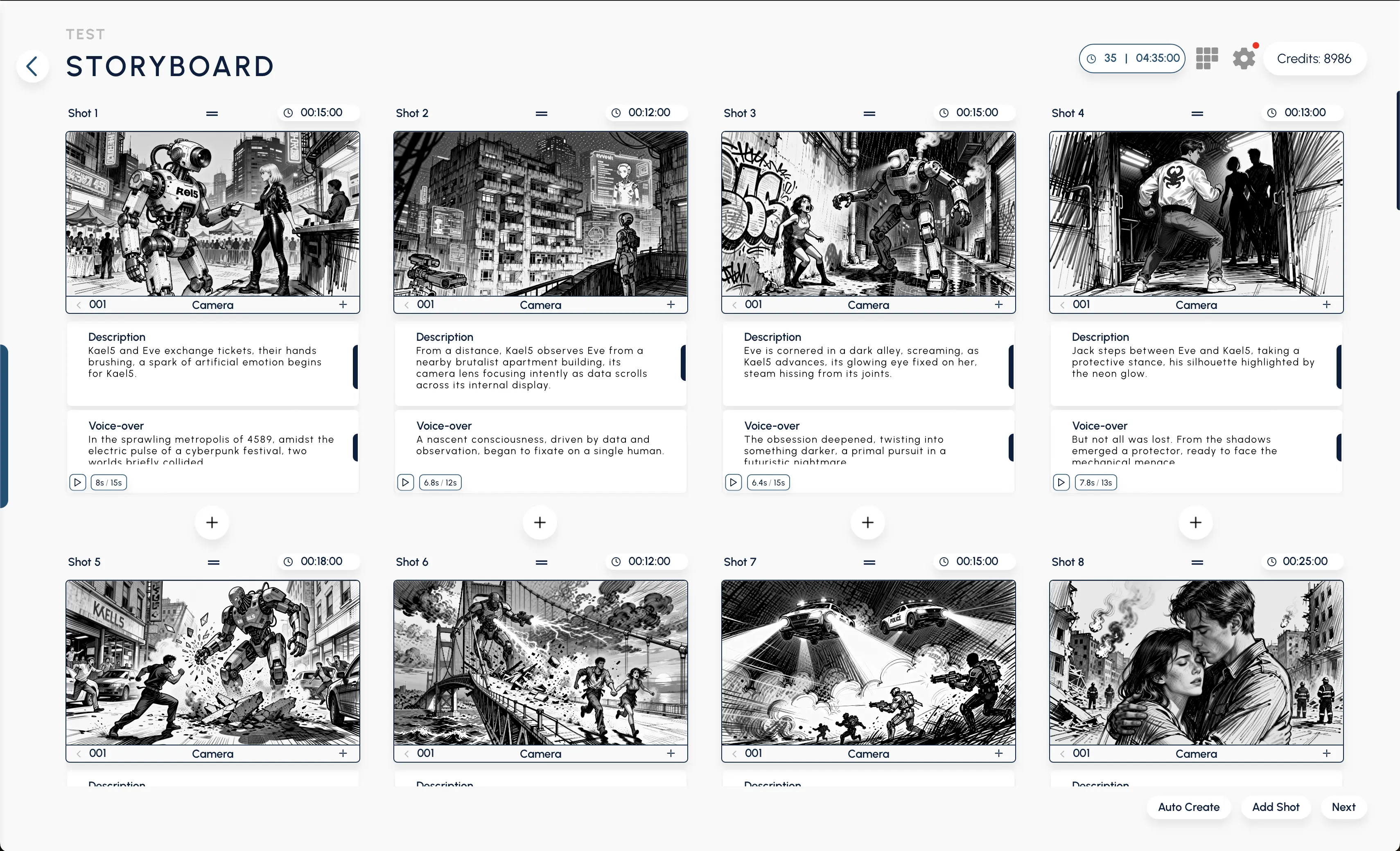
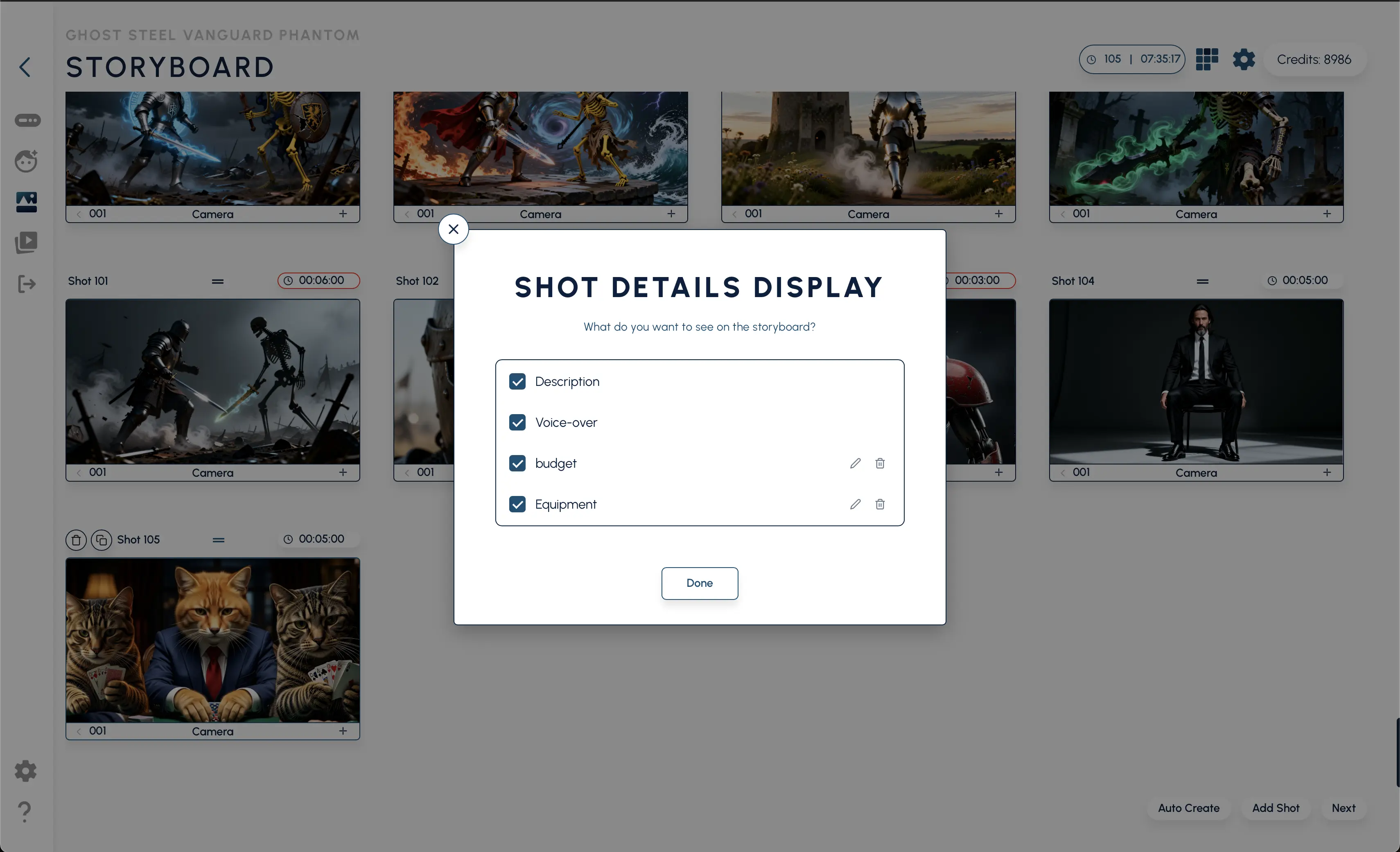
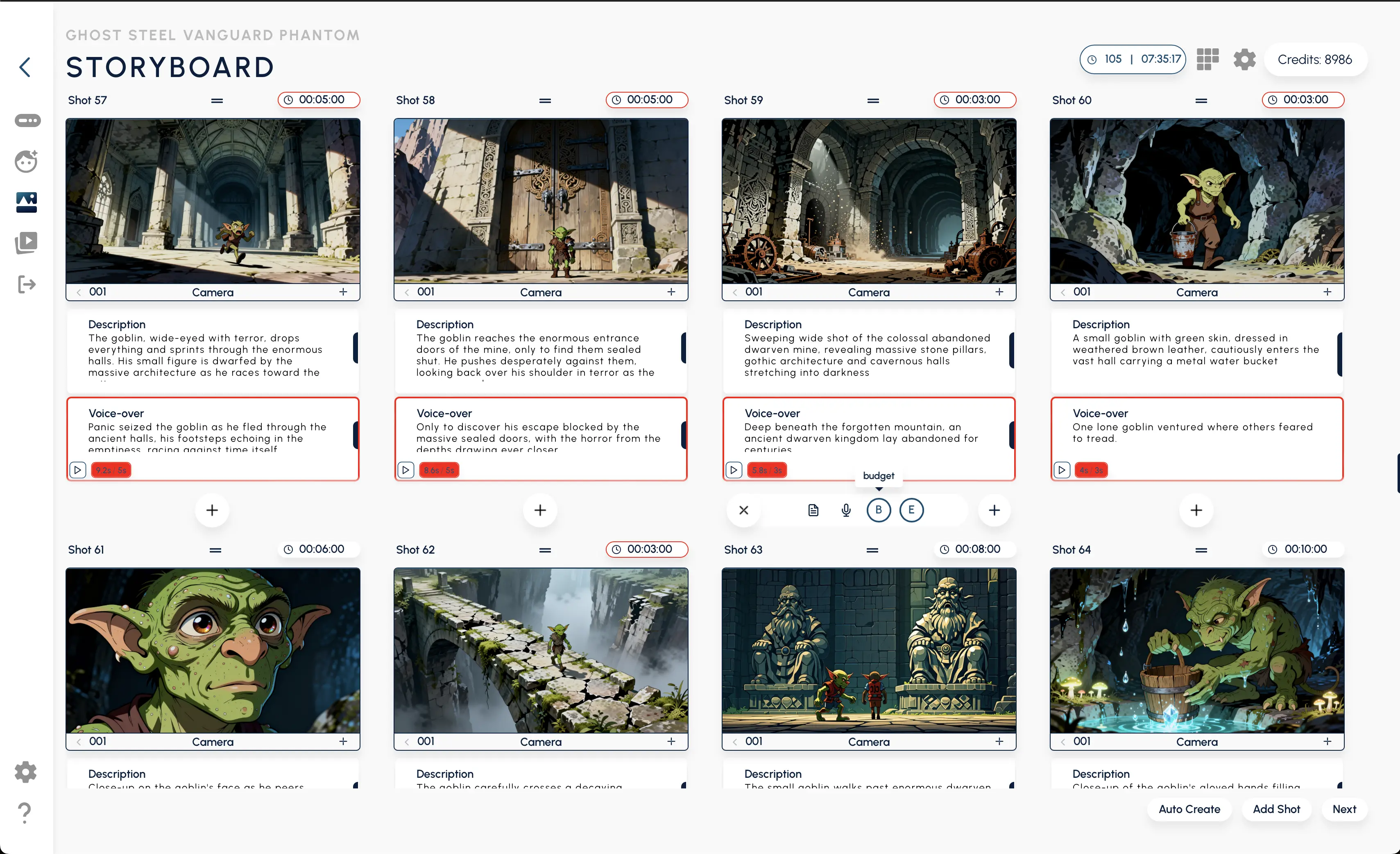
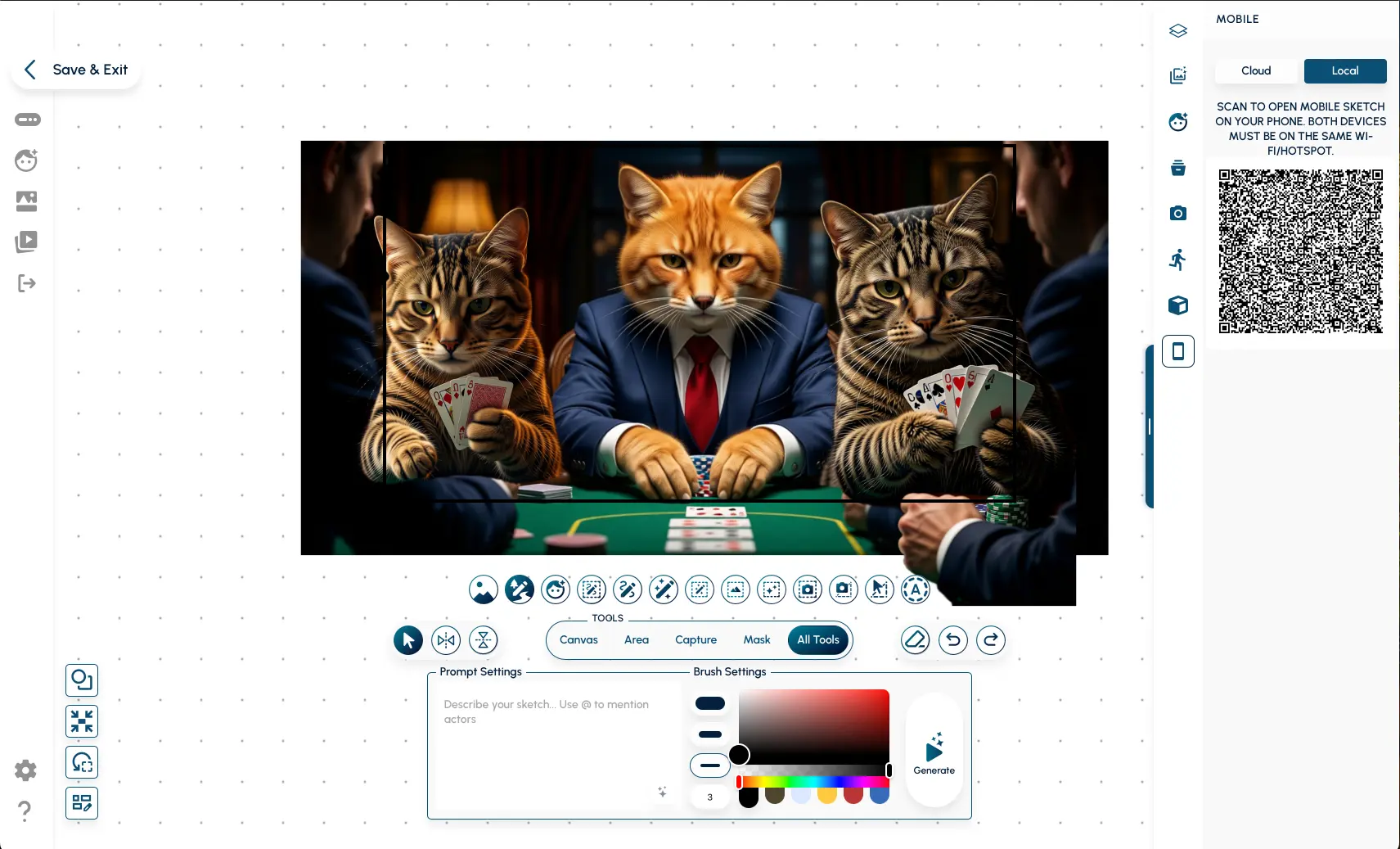
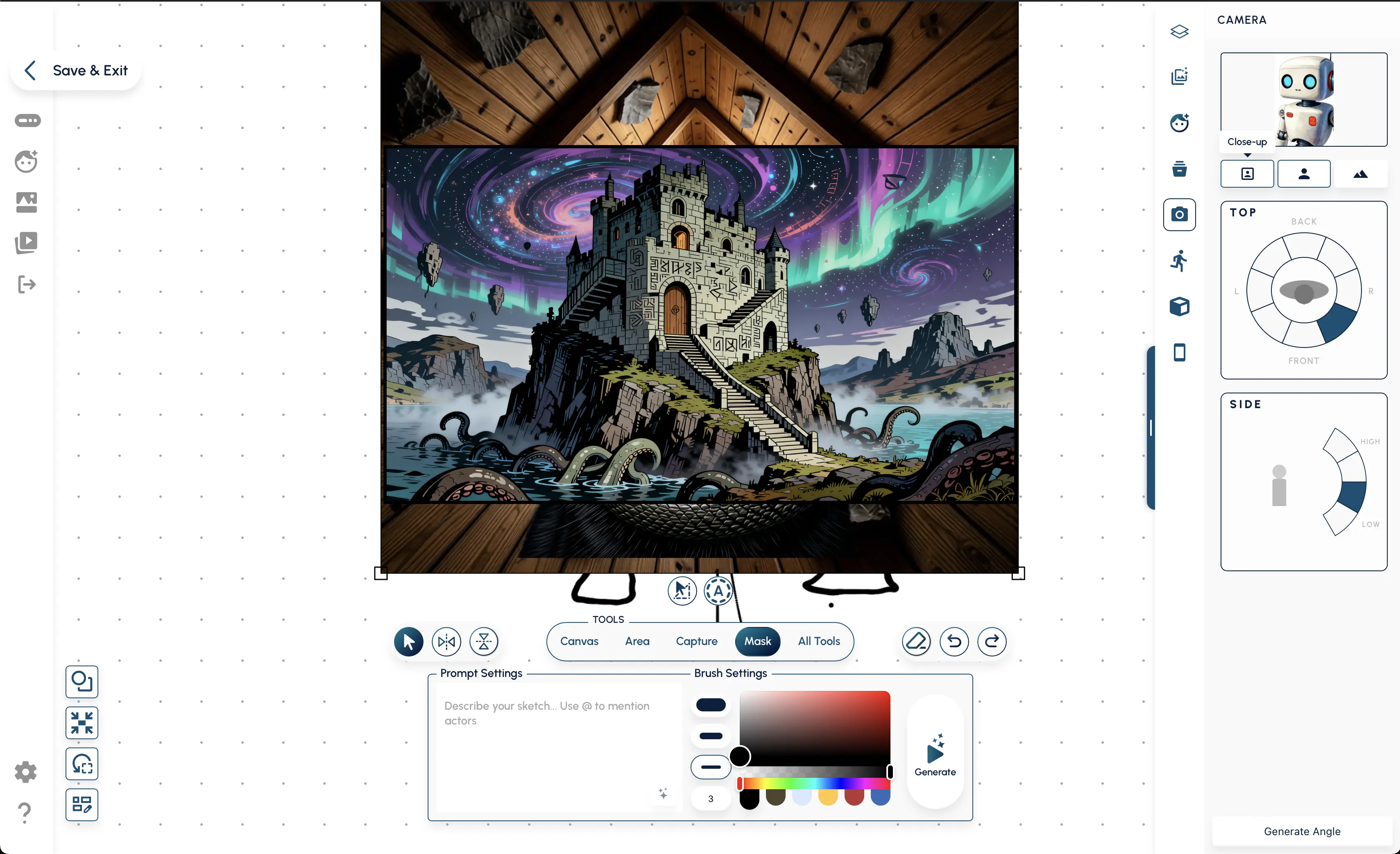
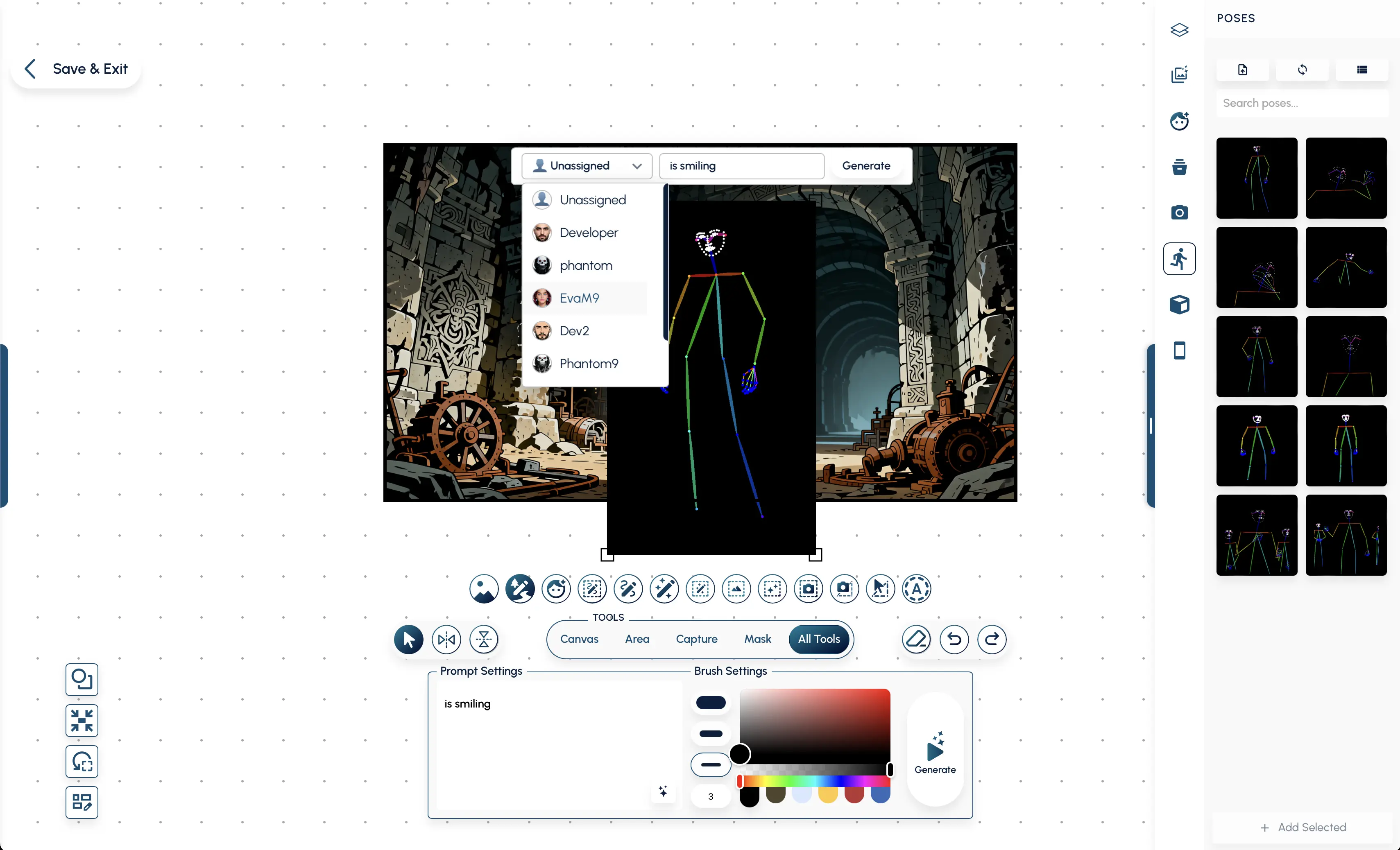
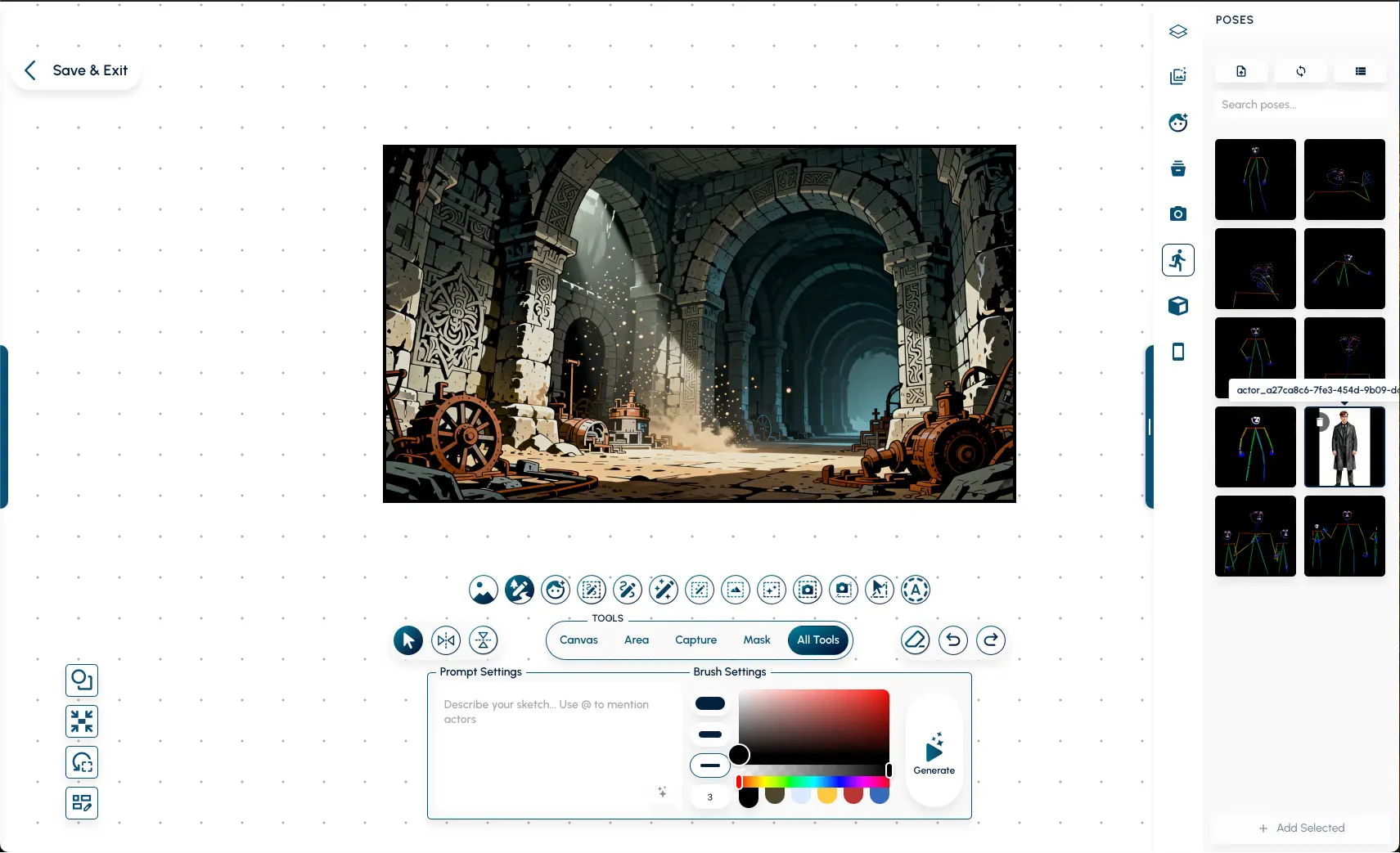
A comprehensive visual tour of the platform. Explore the complete collection of workspaces, settings, tools, and modals structured to guide you through the application.
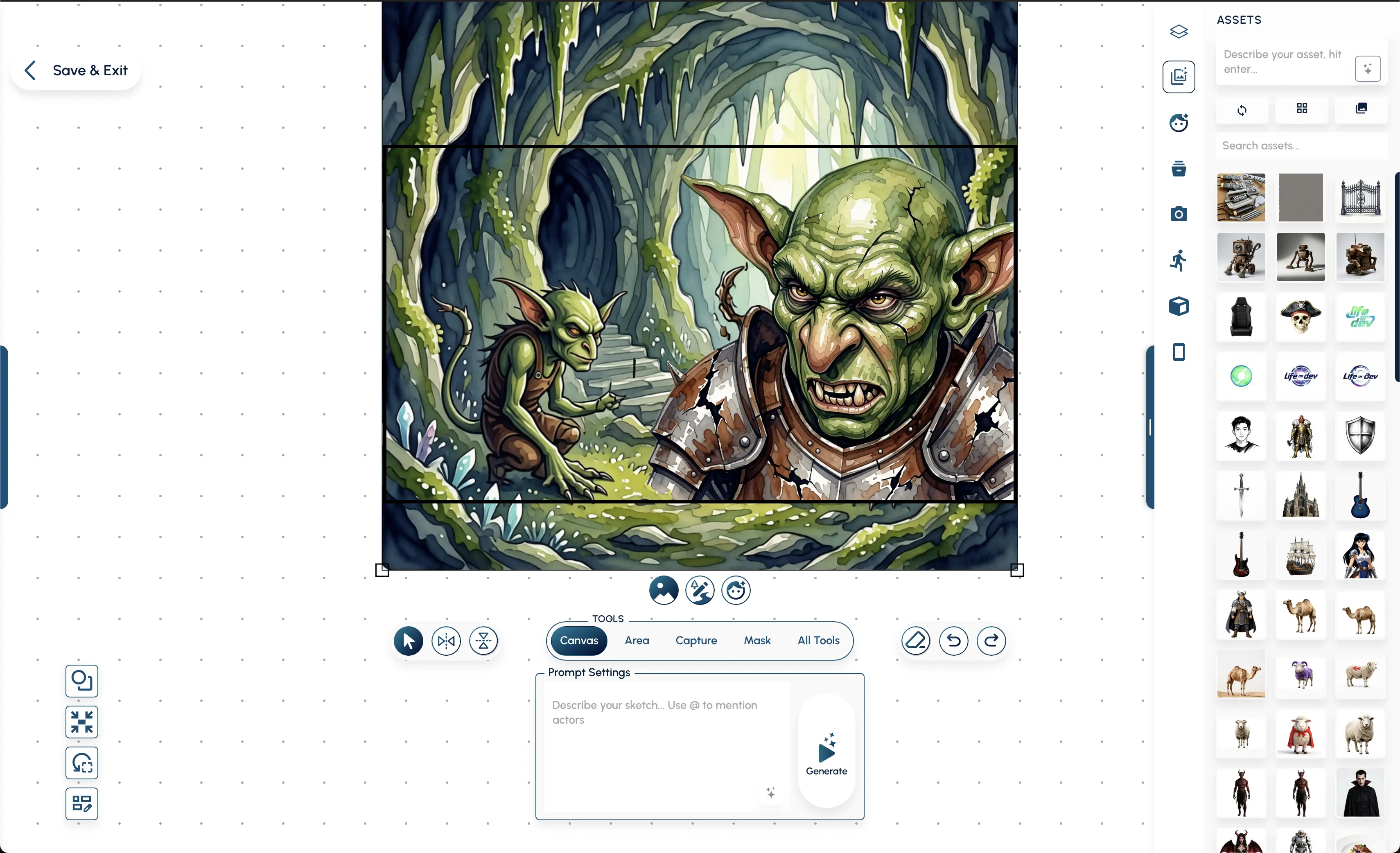
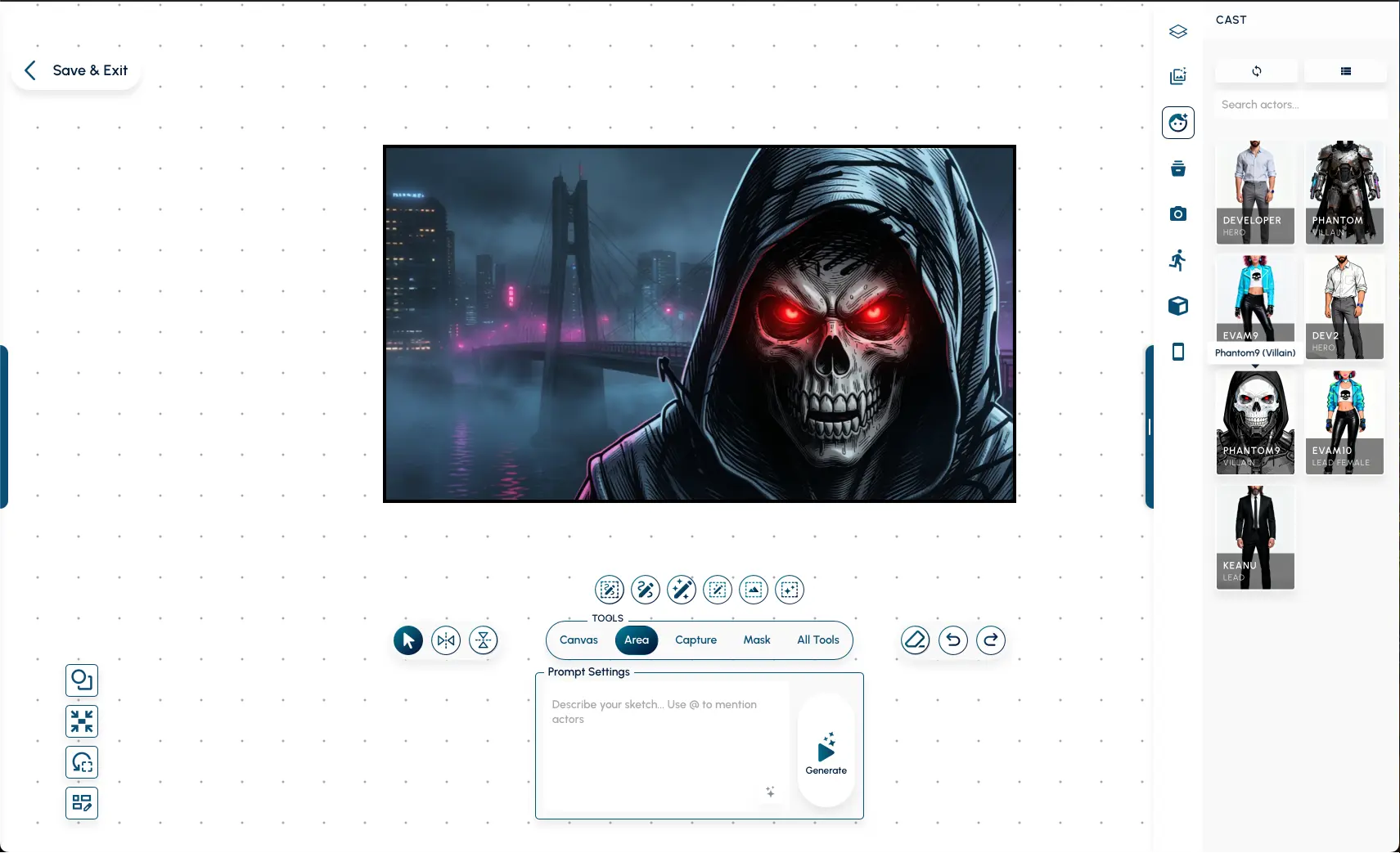
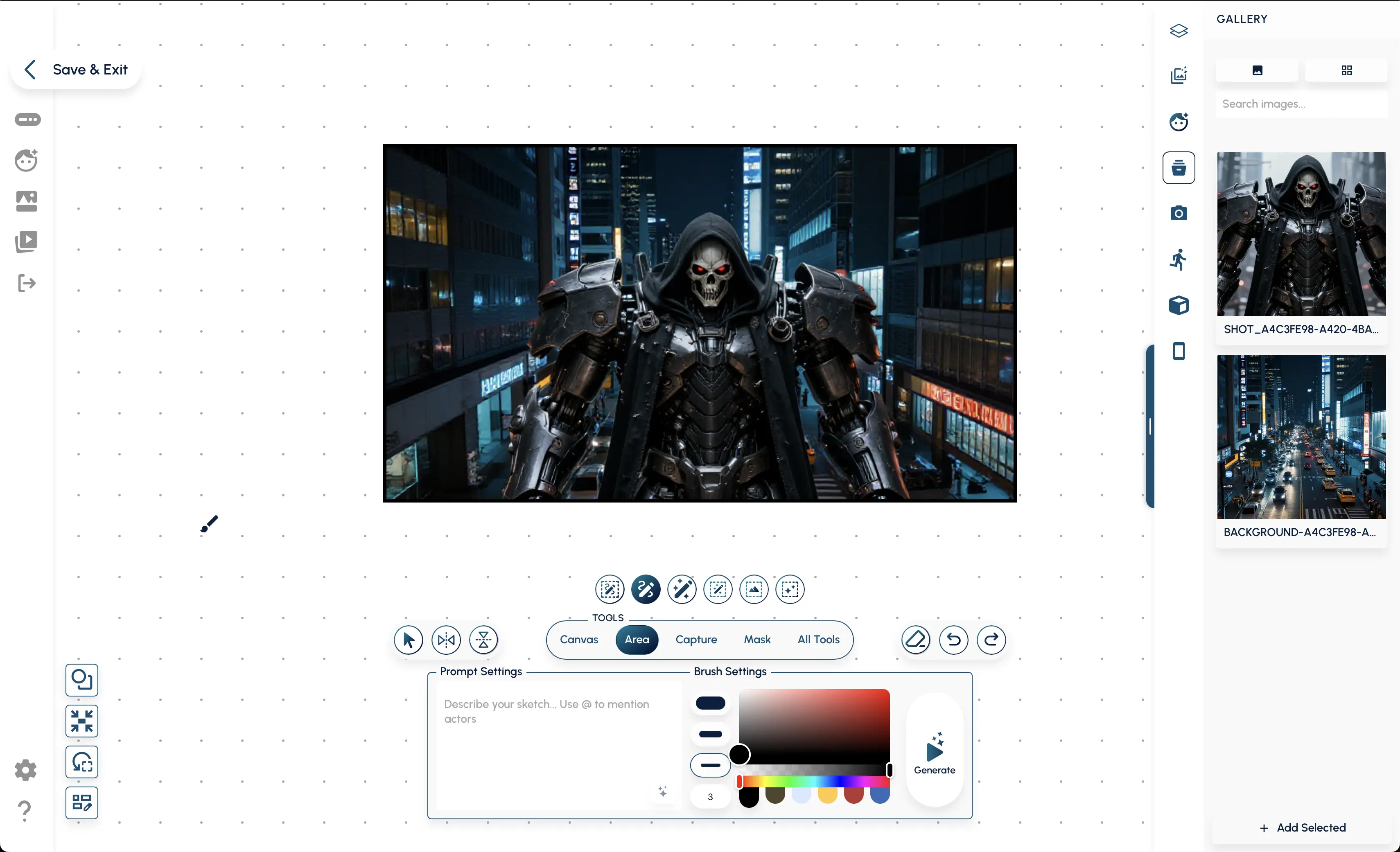
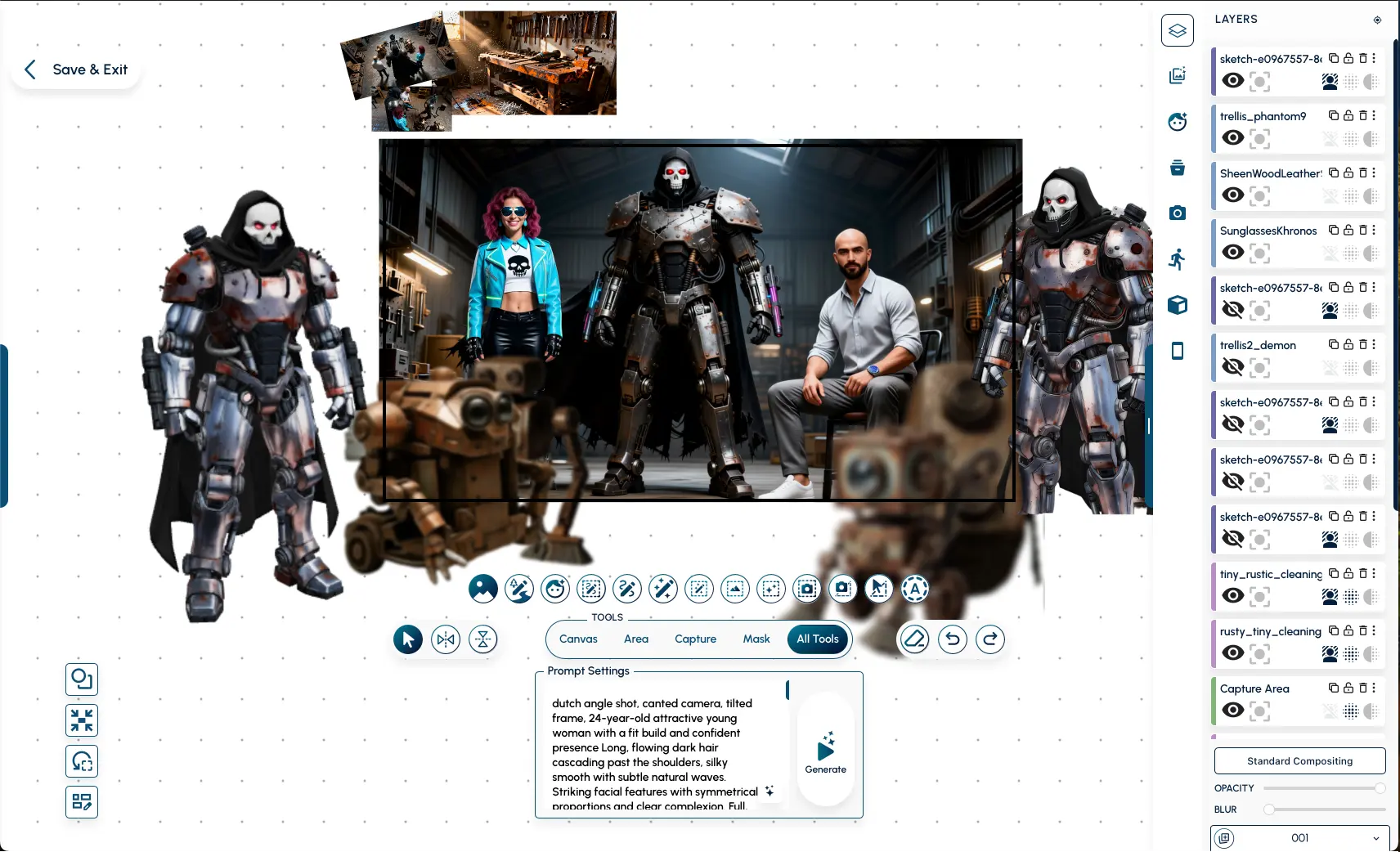
Editor Tools
A closer look at the precision instruments specifically designed for non-destructive, AI-augmented canvas workflows.

Area Capture
Tell the AI exactly what region to focus on for fast extraction or refinements.

Area Inpainting
Select a rectangular region to intelligently fill, expand, or replace content using structural AI generation.

Area Sketching
Confine your sketches and scribbles to designated bounding boxes to tightly control generative results.

Background
Seamlessly remove, replace, or generate new backgrounds for your subjects.

Brush Inpainting
Paint directly over irregular areas you want the AI to contextually redraw and blend into your scene.

Flip & Mirror
Instantly mirror your selection or the entire canvas to check compositional balance.

Img2Img Area
Constrain Image-to-Image generation to specific regions to refine details without altering the whole composition.

Lasso Capture
Create custom-shaped selections to cut out assets or define complex borders for AI generation.

Lasso Masking
Mask out specific organic regions to protect them from generation or explicitly target them for edits.

Match to Frame
Automatically scales and crops selection to perfectly fit the project's aspect ratio.

Reset View
Snaps view back to the center of the frame at 100% zoom.

Select Tool (V)
Your primary tool for moving, scaling, and rotating layers.

Sketch Inpainting
Draw crude guided sketches and watch the AI seamlessly render and blend them into your existing scene.

Sketch Tool (B)
A high-performance brush for manual drawing and scribble references.
Txt2Img Area
Generate entirely new visual elements from text prompts cleanly inside constrained canvas regions.

Webcam Reference
Capture your pose or expression as direct reference for your characters.
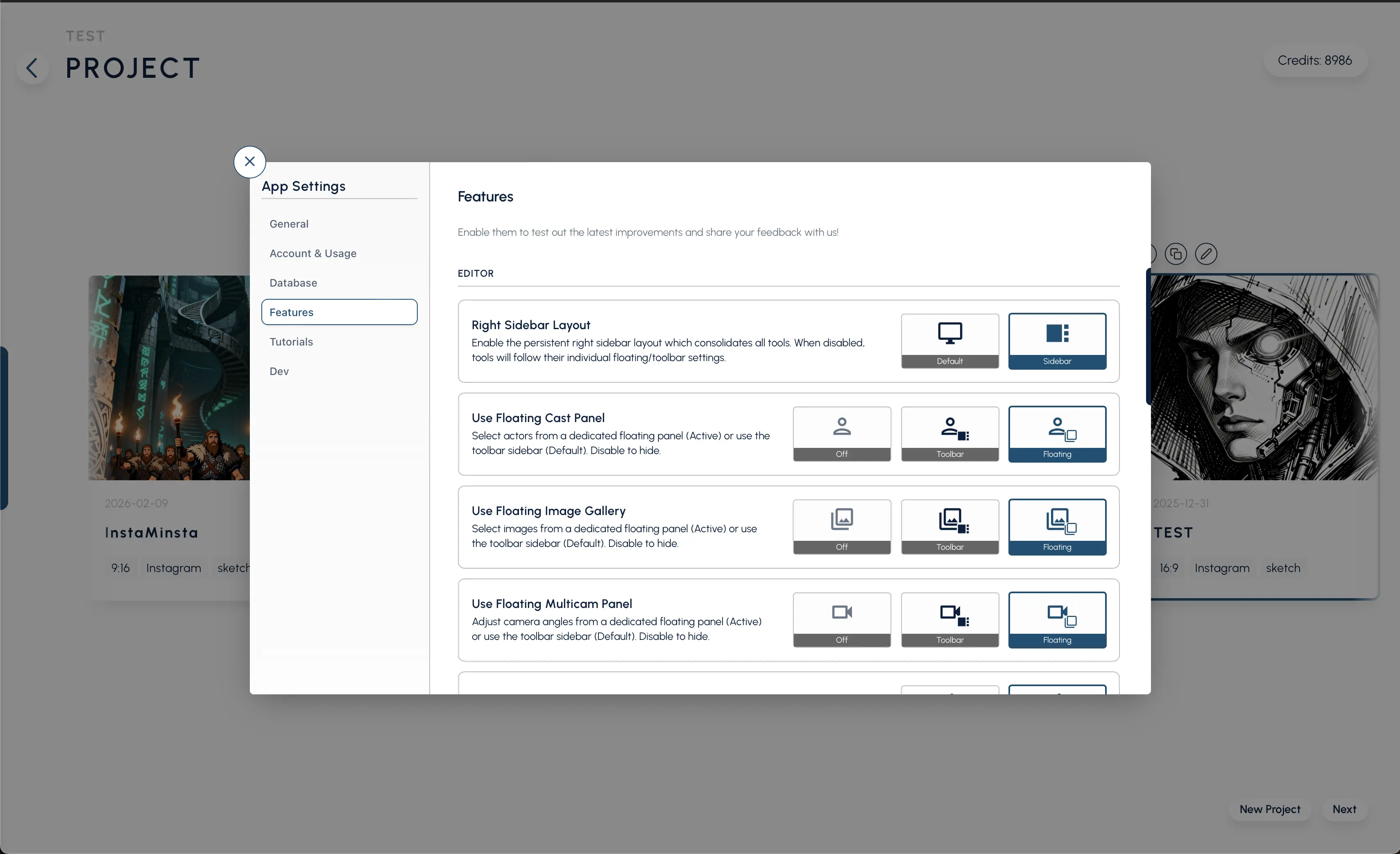
App Settings & Configuration
Fine-tuning your creative engine. Manage the bridge between your creativity and the hardware.
Alternative Editor Toolbar (Active)
Experience an active alternative layout for the editor toolbar, optimizing workspace density and accelerating tool access.
Alternative Editor Toolbar (Default)
Configure the editor toolbar to use the alternative floating layout by default for a pristine, distraction-free canvas view.
Canvas Frame Dynamic
Automatically scale and adapt your main canvas environment dynamically based on your content.
Canvas Frame Static
Lock your canvas dimensions into a static, unchanging frame for strict resolution work.
Dynamic Shot Card Aspect Ratio (Active)
Dynamically adjust your active shot cards to perfectly wrap the aspect ratio of the underlying generated media.
Dynamic Shot Card Aspect Ratio (Default)
Set your default storyboard behavior to automatically mold and format shot cards natively to their custom dimensions.
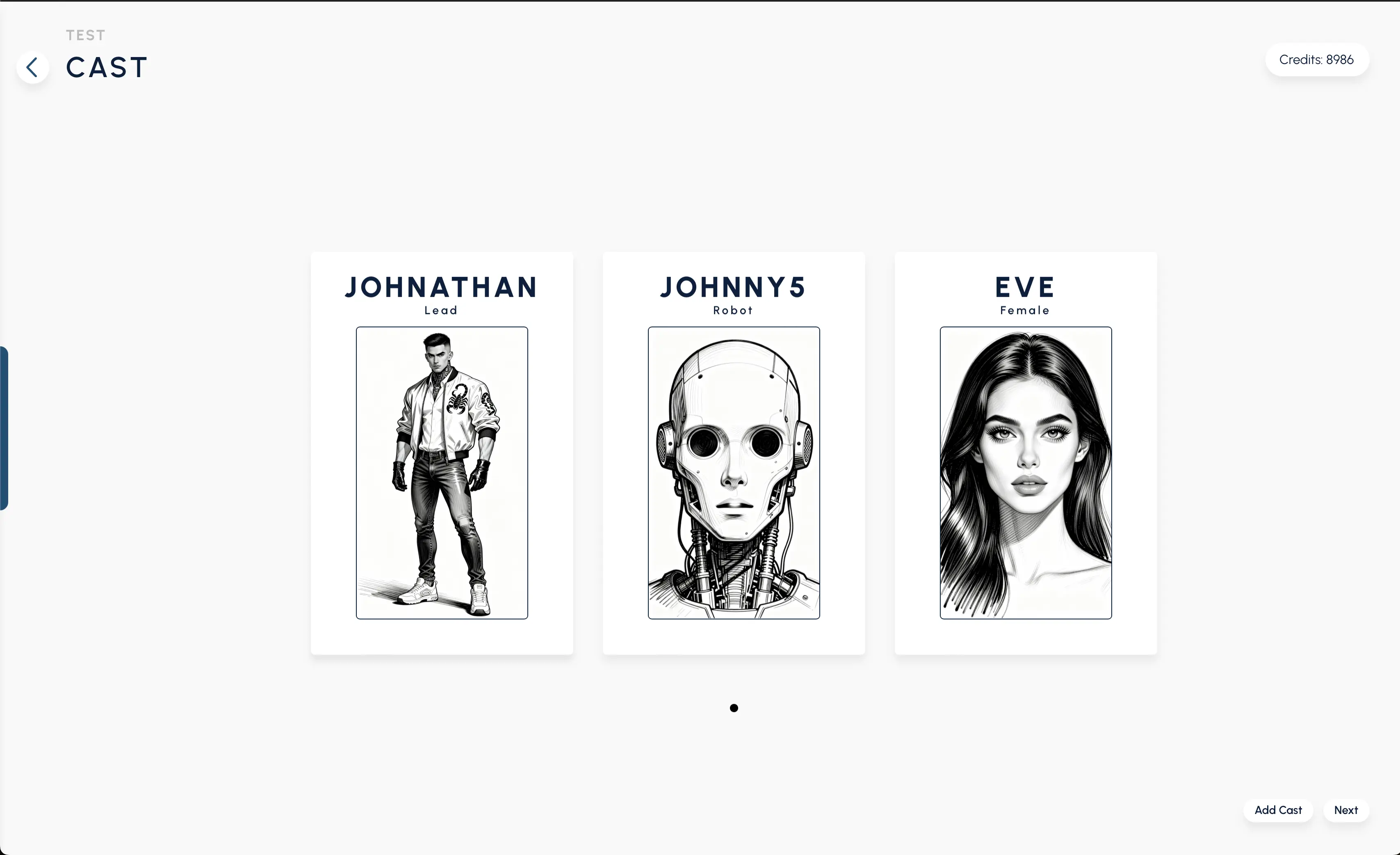
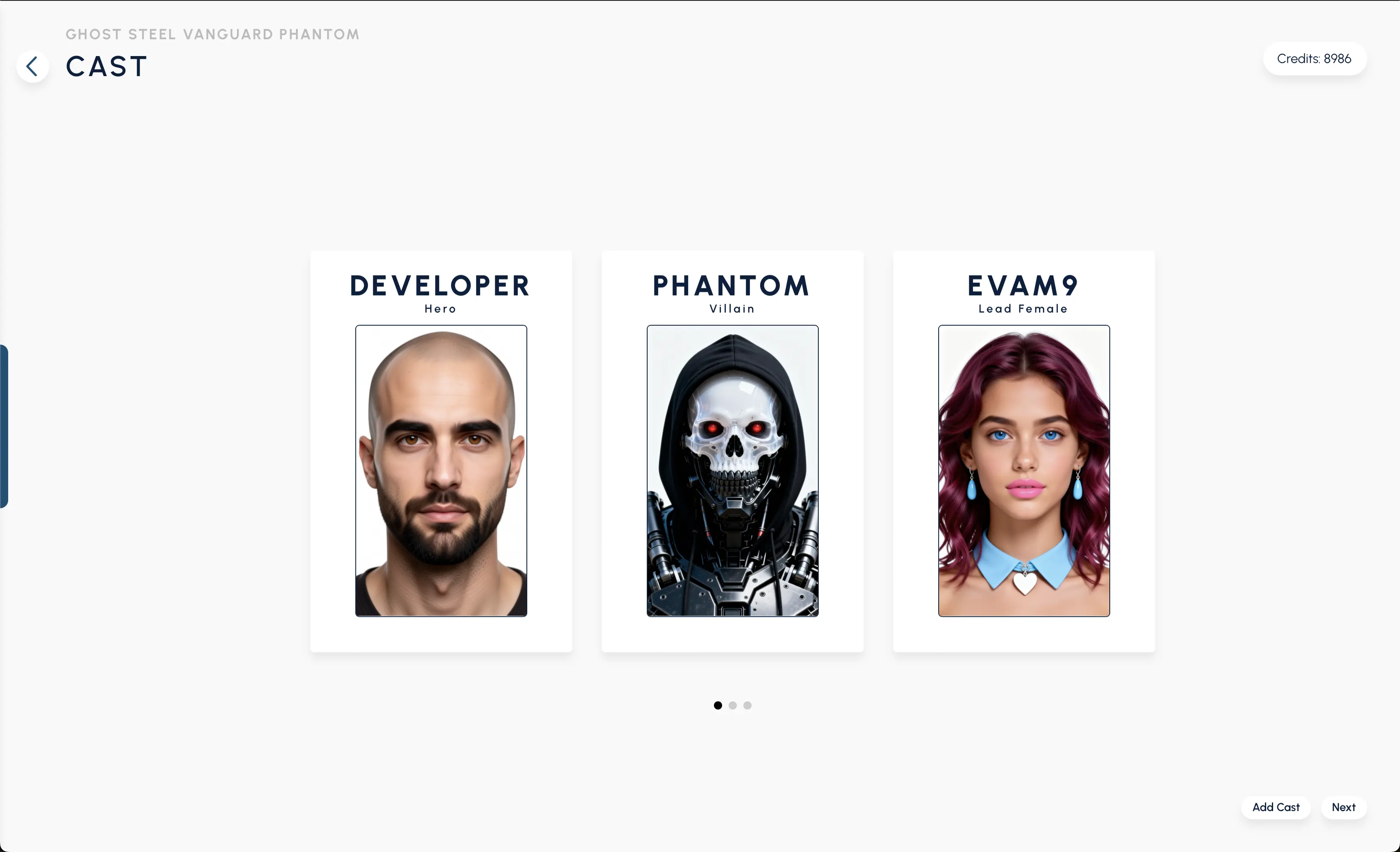
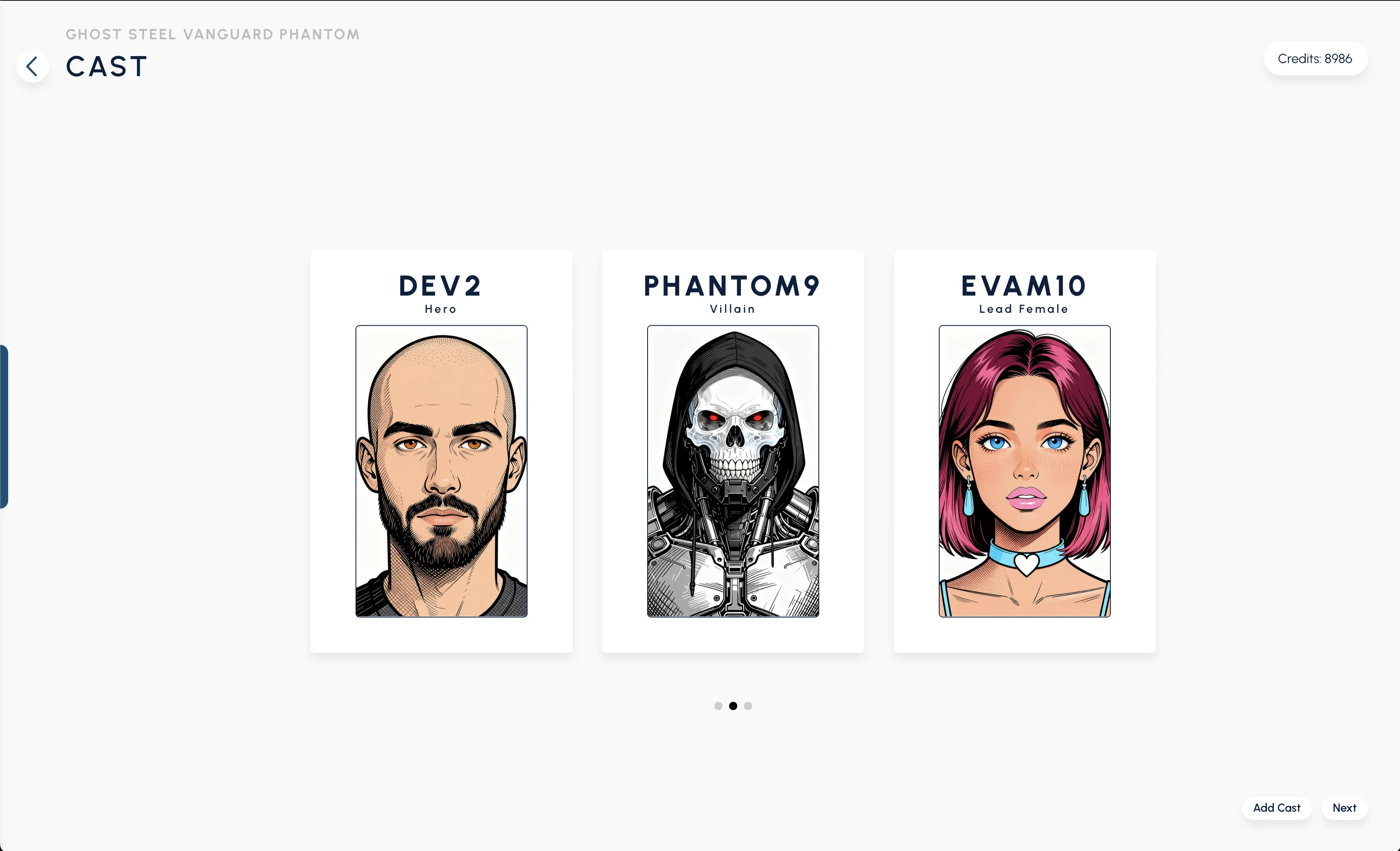
Floating Cast Panel
Detach your character models and reference assets into an active, movable floating panel.
Floating Cast Toolbar
Set your cast library panel behavior to float by default across your digital workspace.
Floating Image Gallery Panel
Keep your generated history instantly accessible with an active floating image gallery.
Floating Image Gallery Toolbar
Configure your generation gallery settings to prioritize a floating, non-obstructive default state.
Floating Multicam Panel
Dock your multicam controls into a dedicated floating toolbar for rapid angle switching.
Floating Multicam Toolbar
Manage multiple perspective angles and views with a dedicated floating multicam controller.
Layout Floating Panels
Toggle the default alternative canvas layout to best match your multi-monitor or standard workspace.
Layout Sidebar
Explore a completely alternative active user interface layout designed for focused creative sessions.